
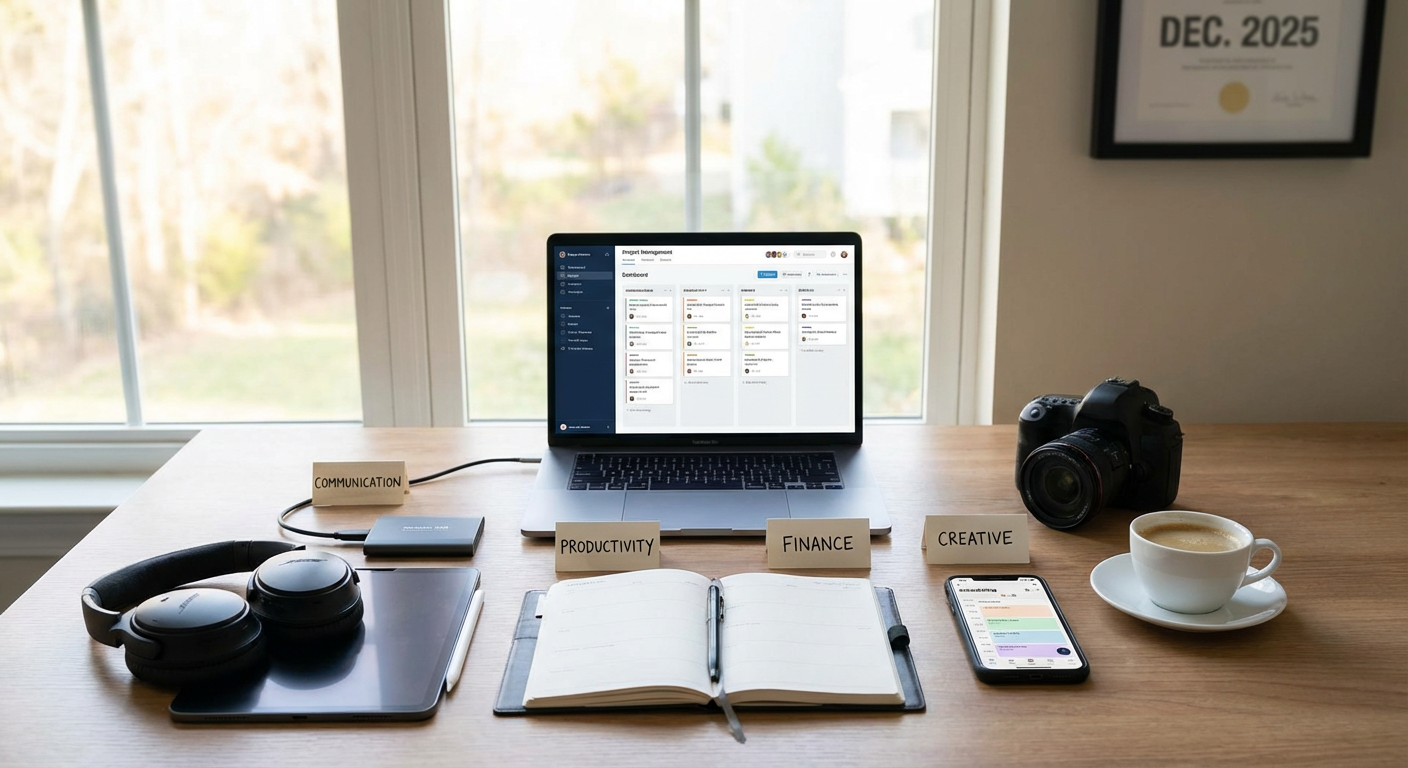
10 Fast-Track Freelancing Tools That Save Hours Every Week, Organized by Use
Time is the most valuable asset you have as a freelancer. Every hour spent on administrative tasks, hunting for clients, or wrestling with clunky software is an hour you’re not earning. The right tools can give you back dozens of hours each month, letting you focus on billable work and actually enjoy your business. This list covers essential tools organized by what they do, all chosen specifically because they help you work faster and smarter without adding complexity to your day.
- Legiit for Quick Client Connections and Service Packaging
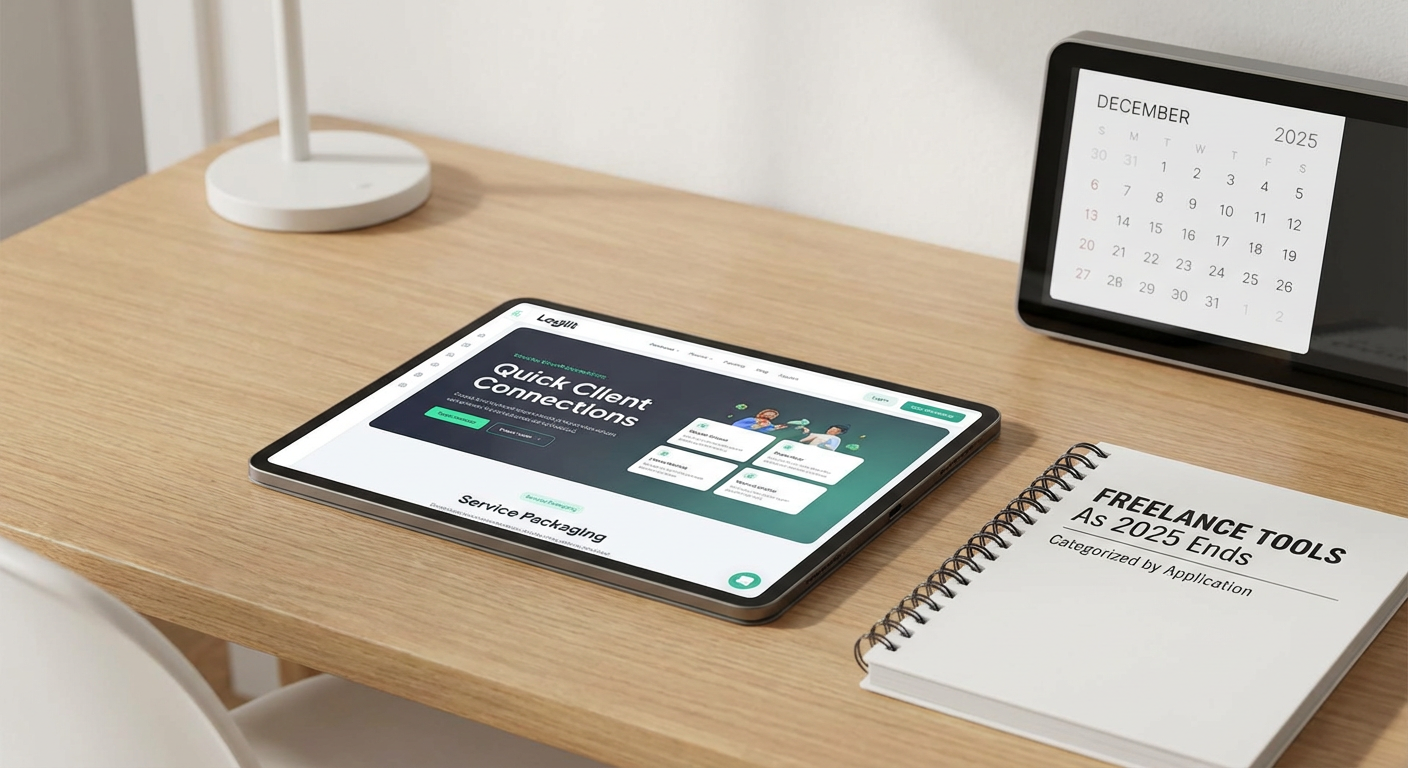
Finding clients consistently is one of the biggest time drains for freelancers. Cold outreach, proposal writing, and endless back-and-forth negotiations can eat up entire days. Legiit solves this by letting you create service packages that clients can purchase directly, cutting out most of the sales cycle. You list what you offer, set your price, and clients who need your skills can hire you immediately.
The platform handles payments, provides a workspace for project communication, and includes dispute resolution if needed. This means less time chasing invoices and more time doing the work you’re actually good at. For freelancers who want to spend their energy on delivery rather than sales, Legiit offers a straightforward way to get hired faster and start projects without the usual friction.
- Notion for All-in-One Workspace Organization
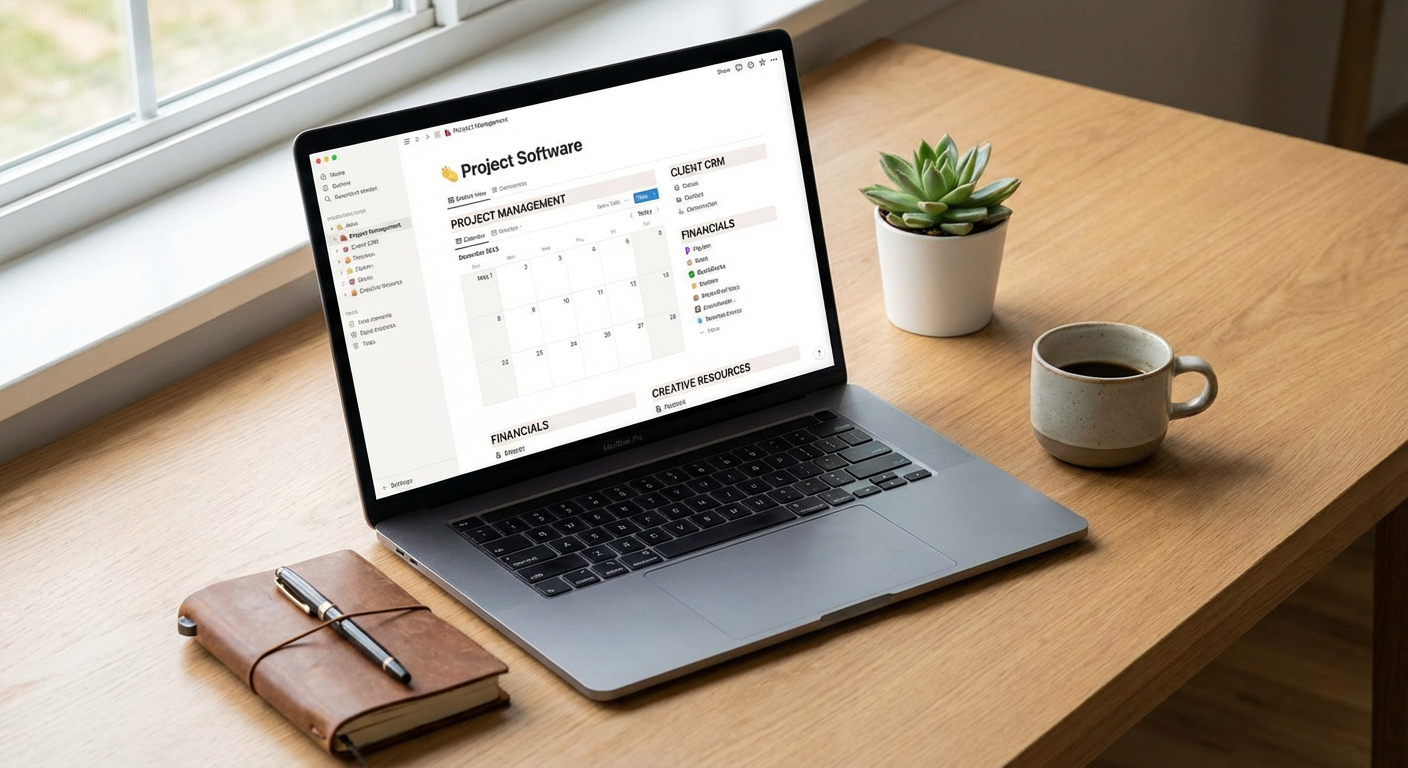
Switching between apps for notes, task lists, project tracking, and client documentation wastes more time than most freelancers realize. Notion combines all of these into one flexible workspace that molds to how you actually work. You can build client dashboards, track project milestones, store research, and manage your editorial calendar all in the same place.
The real time-saver is the database feature. Create one client database and use different views to see active projects, pending invoices, or archived work without rebuilding spreadsheets. Templates let you duplicate your workflow for each new client instantly. Once you set up your system, onboarding new projects takes minutes instead of hours.
- Calendly for Instant Meeting Scheduling
The email tennis match of finding a meeting time can stretch over days and involve a dozen messages. Calendly eliminates this entirely by letting clients and collaborators see your availability and book time slots directly. You set your available hours, buffer times between meetings, and which types of appointments you offer.
The tool syncs with your existing calendar to prevent double bookings and sends automatic reminders to reduce no-shows. You can create different meeting types with custom durations and questions, so discovery calls, client check-ins, and project kickoffs each have their own flow. What used to take ten emails now happens in one click.
- Grammarly for Faster, Cleaner Writing
Proofreading your own work is slow and often ineffective because your brain fills in what you meant to write. Grammarly catches errors as you type, across emails, documents, and web forms. This means you spend less time reviewing and revising, especially on client communications where professionalism matters.
Beyond basic spelling and grammar, it suggests clarity improvements and tone adjustments. The browser extension works everywhere, so you’re not copying text back and forth between applications. For freelancers who write frequently, whether that’s content creation, client updates, or proposals, Grammarly can save 15 to 30 minutes daily just by reducing revision cycles.
- Toggl Track for Effortless Time Tracking
Tracking time manually is tedious and almost always inaccurate. Toggl Track runs in the background with a single click to start and stop timers. It integrates with the apps you already use, so you can start a timer directly from your project management tool or calendar.
The real value appears when you review where your time actually goes. You’ll spot tasks that take longer than they should and clients who require disproportionate support. The automatic idle detection prevents you from accidentally logging hours when you stepped away. Weekly reports generate instantly, making invoicing faster and helping you price future projects more accurately based on real data.
- Canva for Rapid Visual Content Creation
Hiring a designer or learning complex software like Photoshop is overkill for most freelance visual needs. Canva provides thousands of templates for social media posts, presentations, proposals, invoices, and marketing materials. You drag and drop elements, change colors and text, and export professional-looking graphics in minutes.
The template library means you’re never starting from a blank canvas. If you need consistent branding across materials, you can save your brand colors and fonts for one-click application. Even freelancers who don’t consider themselves creative can produce polished visuals for their business without the learning curve or expense of professional design software.
- Zapier for Connecting Your App Stack
Moving information between apps manually is a massive time sink. Zapier automates these transfers by connecting your tools and triggering actions based on events. When a client fills out your intake form, Zapier can automatically create a project in your task manager, add them to your CRM, and send a welcome email.
You build these automations with a simple interface that requires no coding. Common freelancer workflows include saving email attachments to cloud storage, creating invoices when projects are marked complete, and logging new calendar events to a spreadsheet. Each automation might save just five minutes, but across dozens of repetitive tasks each week, Zapier can reclaim hours of tedious data entry.
- Loom for Quick Video Communication
Some things are faster to show than to write out. Loom lets you record your screen, your face, or both, and instantly generates a shareable link. This is perfect for giving client feedback on designs, explaining a process, providing project updates, or creating simple tutorials.
A five-minute Loom video often replaces a 30-minute video call or a lengthy email with multiple screenshots. Recipients can watch on their schedule and rewatch sections if needed. The automatic transcription makes videos searchable, and comments let people ask questions at specific timestamps. For freelancers who work with visual deliverables or remote teams, Loom reduces meeting time while improving clarity.
- LastPass for Secure, Instant Logins
Freelancers juggle accounts for client platforms, social media, banking, project tools, and more. Remembering passwords or digging through saved documents to find login credentials wastes time and creates security risks. LastPass stores all your passwords in an encrypted vault and auto-fills them when you visit websites.
You only need to remember one master password. The tool generates strong, unique passwords for each account, improving your security without adding mental load. The time savings add up quickly when you access client systems, email accounts, and software tools dozens of times each day. Sharing features also let you give clients temporary access to accounts without revealing passwords.
- QuickBooks Self-Employed for Simplified Bookkeeping
Tax time becomes a nightmare when you’ve spent months tossing receipts in a folder and ignoring expense tracking. QuickBooks Self-Employed connects to your bank accounts and automatically categorizes transactions as business or personal. You can snap photos of receipts that get stored with the transaction, and the mileage tracker logs business trips automatically.
The software estimates your quarterly tax obligations so you’re not surprised by a massive bill. Come tax season, you can export everything your accountant needs or file directly through the platform. What traditionally requires weekend marathons of receipt sorting and spreadsheet building now happens continuously in the background, saving dozens of hours per year and reducing stress considerably.
The difference between a stressed freelancer working 60-hour weeks and a thriving one with free evenings often comes down to tools. Each application on this list solves a specific time drain, from finding clients to tracking expenses. Start with the areas where you feel the most friction in your current workflow. Even adding two or three of these tools can give you back 10 or more hours each week. That’s time you can spend on better projects, skill development, or simply living your life outside of work. Your freelance business should support your lifestyle, not consume it.