

10 Practical Tips for Choosing Premium Tools Your Freelancing Business Actually Needs
Running a freelancing business means making smart choices about where to invest your money. Premium tools can transform how you work, but only if you pick the right ones and use them well. This list focuses on actionable advice for selecting and implementing high-quality tools that will genuinely improve your operations. Whether you’re scaling up or refining your current setup, these practical tips will help you make decisions that pay off in efficiency, client satisfaction, and bottom-line results.
- Start With a Trusted Freelance Marketplace That Connects You to Quality Services

Before you build out your tool stack, establish a reliable source for outsourcing and collaboration. Legiit provides a marketplace specifically designed for freelancers and agencies who need vetted services quickly. Instead of spending hours vetting contractors on generic platforms, you can find specialists in areas like content writing, design, video editing, and technical development who understand the freelance workflow.
The practical advantage here is speed and quality control. When you need to scale a project or fill a skill gap, having a go-to platform where you’ve already built relationships with reliable providers saves you from starting the vetting process from scratch every time. Set up your account, explore a few categories relevant to your niche, and bookmark providers whose work aligns with your standards. This groundwork turns Legiit into a strategic asset rather than just another marketplace.
- Invest in Project Management Software and Actually Configure It Properly
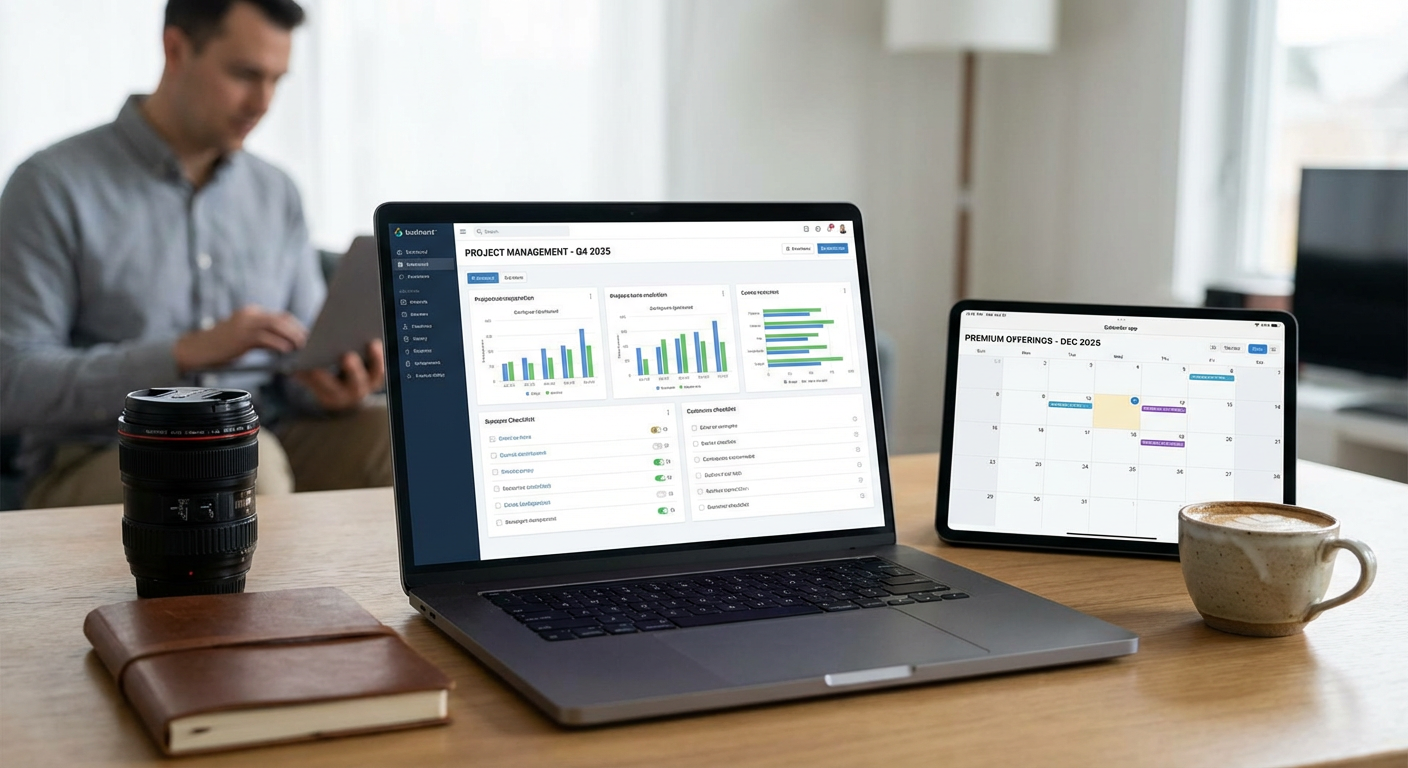
Many freelancers pay for premium project management tools but only use a fraction of their features. The key is not just buying the software but setting it up to match your actual workflow. Choose a tool like ClickUp, Notion, or Asana, then spend a focused afternoon creating templates for your most common project types.
Build out task lists, set up automated reminders, and establish clear stages for each project phase. If you handle client revisions, create a dedicated workflow that tracks feedback rounds and approval stages. The upfront investment in configuration pays off every single time you start a new project, because you’re not reinventing your process. You’re following a system that’s already proven to work.
- Use Time Tracking Tools to Identify Where Your Hours Actually Go
Premium time tracking tools like Toggl Track or Harvest do more than just log hours for billing. They give you data about which tasks consume the most time and which clients require the most attention. Run these tools for at least two weeks without changing your behavior, then review the reports to spot patterns.
You might discover that administrative tasks eat up more time than billable work, or that certain project types consistently run over estimate. Use this information to adjust your pricing, streamline repetitive tasks, or decline projects that don’t make financial sense. The practical insight comes from treating time tracking as a diagnostic tool, not just a billing requirement.
- Choose Accounting Software That Integrates With Your Payment Systems
Premium accounting tools like QuickBooks Online or FreshBooks become genuinely useful when they automatically pull in transaction data from your payment processors and bank accounts. During setup, connect every account where money moves in or out of your business. Link your PayPal, Stripe, business checking account, and any credit cards you use for expenses.
This integration eliminates manual data entry and gives you real-time visibility into cash flow. Set up recurring invoices for retainer clients, enable automatic payment reminders, and configure expense categories that match how you think about your business. The goal is to open your accounting dashboard and immediately understand your financial position without doing math or hunting for receipts.
- Implement a CRM System and Use It to Track Every Client Interaction
Customer relationship management tools like HubSpot or Pipedrive become valuable when you commit to logging every meaningful interaction with clients and prospects. After each call, meeting, or significant email exchange, spend two minutes adding notes to that contact’s record. Include details about their preferences, pain points, and any commitments you made.
This practice transforms your CRM from a glorified contact list into a knowledge base about your clients. When you return to a project after a break, you can quickly refresh your memory about context and history. If you bring on a team member or contractor, they can review the CRM and get up to speed without requiring a long briefing from you. The practical benefit is continuity and professionalism that clients notice and appreciate.
- Select a Premium Communication Tool and Establish Clear Boundaries
Investing in Slack, Microsoft Teams, or a similar platform makes sense, but only if you set rules about when and how it’s used. Create separate channels for different clients or project types, and establish expectations about response times. Not every message requires an immediate reply, and premium tools should help you manage communication rather than letting it manage you.
Turn off notifications outside your working hours, use status updates to signal when you’re in deep work mode, and encourage clients to use asynchronous communication for non-urgent matters. The practical application is using these tools to create structure and professionalism, not just adding another place where people can interrupt you. Configure the settings to support your ideal workflow rather than accepting the defaults.
- Deploy Cloud Storage With a Logical File Structure From Day One
Premium cloud storage services like Dropbox Business or Google Workspace offer plenty of space, but the real value comes from organizing files in a way that makes retrieval effortless. Before you start uploading, design a folder hierarchy that reflects how you actually search for files. Most freelancers benefit from a structure organized by client, then by project, then by file type.
Within each project folder, create subfolders for drafts, finals, source files, and client-provided materials. Use consistent naming conventions that include dates in a sortable format. When you need to find a specific version of a deliverable six months later, you should be able to navigate directly to it without searching. The practical tip is to treat file organization as a core business system, not an afterthought.
- Purchase Professional Design Tools and Learn the Core Features Thoroughly
Tools like Adobe Creative Cloud or Figma represent significant investments, but they’re only worthwhile if you move beyond basic usage. Identify the three to five features that would save you the most time in your typical projects, then find tutorials specifically about those functions. Practice them on real projects until they become second nature.
For example, if you frequently create branded materials for clients, master template creation and style libraries so you can maintain consistency without manually adjusting every element. If you handle photo editing, learn batch processing and presets to handle repetitive adjustments efficiently. The practical approach is targeted skill-building rather than trying to learn every feature the software offers.
- Set Up Email Marketing Software and Build Your List Systematically
Premium email platforms like ConvertKit or Mailchimp become assets when you consistently add subscribers and send valuable content. Create a simple lead magnet related to your services, add an opt-in form to your website, and set up a welcome sequence that introduces new subscribers to your work. Schedule time each month to send at least one email with genuine value, whether that’s tips, case studies, or industry insights.
The practical benefit is building an owned audience you can reach without relying on social media algorithms or paid advertising. When you launch a new service or have availability for new clients, you can announce it to people who already know and trust your work. Treat your email list as a long-term asset and feed it with regular attention.
- Implement Password Management and Security Tools to Protect Client Data
Premium password managers like 1Password or Dashlane do more than store login credentials. They generate strong passwords, flag compromised accounts, and provide secure sharing for team members or clients. Set up your password manager properly by importing all your existing accounts, then systematically updating weak or reused passwords.
Enable two-factor authentication on every service that offers it, especially financial accounts, email, and any tools where you store client information. Create separate vaults for personal and business accounts to maintain clean boundaries. The practical payoff is protecting your business from security breaches that could destroy client trust and create legal liability. Security tools are insurance you hope to never need, but proper implementation prevents disasters rather than just responding to them.
Premium tools become valuable when you move past simply purchasing them and focus on proper implementation. Each tool on this list works best when you take time to configure it for your specific workflow, learn its most useful features, and integrate it into your daily operations. Start with one or two tools that address your biggest pain points, get them working smoothly, then gradually add others as your business grows. The goal is building a toolkit that makes your freelancing business more efficient and professional, not just collecting software subscriptions. Focus on practical application, and these investments will pay for themselves many times over.