

10 Budget-Friendly Tools Every Freelancer Needs Without Breaking the Bank
Running a freelancing business doesn’t mean you need to drain your savings on expensive software subscriptions. The right tools can help you manage clients, deliver quality work, and stay organized, all while keeping costs low. This list focuses on practical, affordable options that provide real value for money. Whether you’re just starting out or looking to trim expenses, these tools will help you run your business efficiently without the premium price tag.
- Legiit: Your Affordable Marketplace for Services and Skills
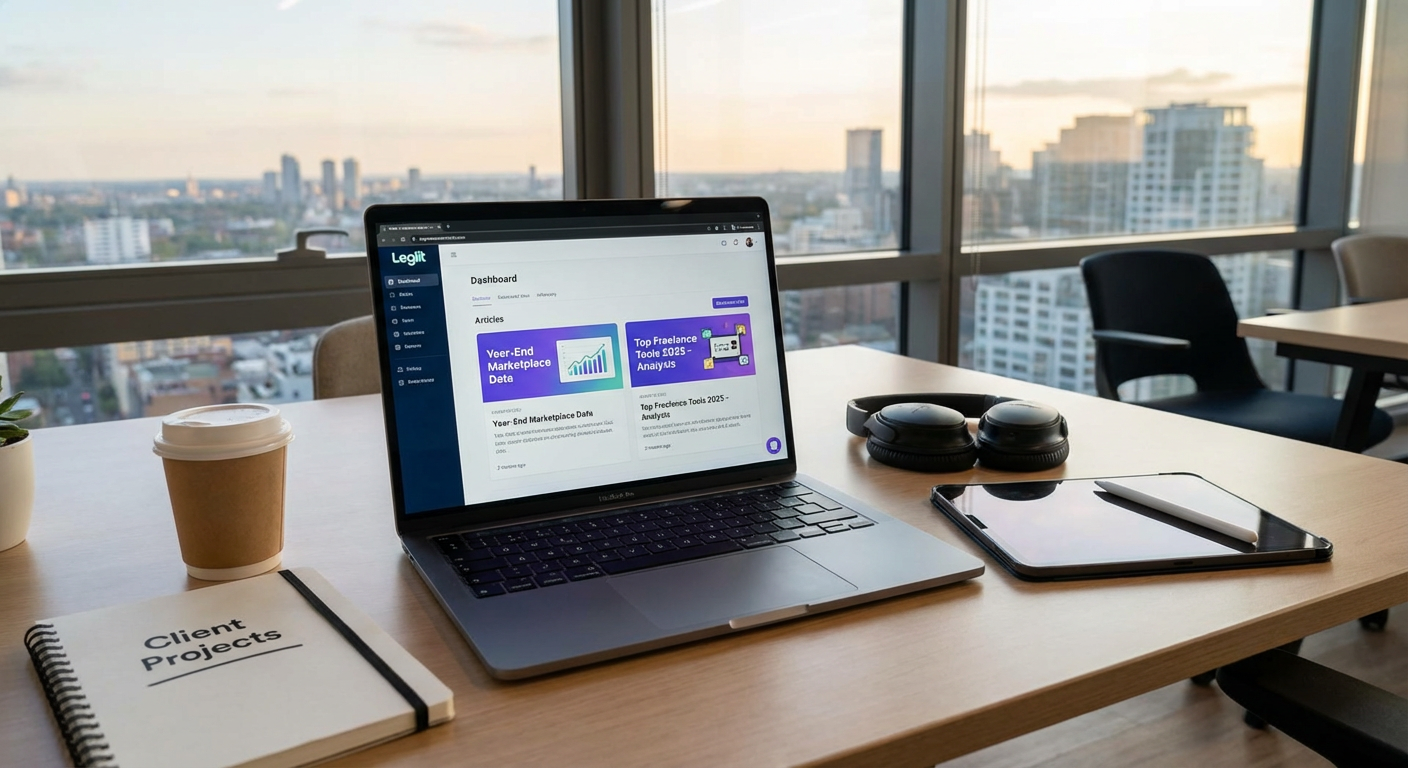
When you need specialized skills but can’t afford to hire full-time help, Legiit offers a cost-effective solution. This marketplace connects freelancers with other service providers who can handle tasks outside their expertise. You can find affordable options for everything from graphic design and content writing to SEO and video editing.
What makes Legiit particularly valuable for budget-conscious freelancers is the transparent pricing structure. You know exactly what you’ll pay before committing, with no hidden fees eating into your margins. Many services start at very reasonable price points, making it possible to outsource work without the overhead of traditional agencies. For freelancers who need to scale their offerings or fill skill gaps, this platform provides access to talent at prices that actually make sense for small business budgets.
- Wave: Free Accounting Software That Actually Works
Wave provides completely free accounting, invoicing, and receipt scanning for small businesses and freelancers. Unlike many “free” tools that nickel and dime you with upgrades, Wave’s core features remain free indefinitely. You can create professional invoices, track expenses, and generate financial reports without spending a cent.
The software handles double-entry accounting automatically, which means you get accurate books without needing an accounting degree. While Wave does charge fees for payment processing and payroll, these services are optional. If you simply need to track income and expenses or send invoices, you can use Wave forever without paying anything. For freelancers who are just starting out or operating on thin margins, this tool eliminates one of the biggest early business expenses.
- Google Workspace Free Tier: Professional Email Without the Cost
While Google Workspace has paid plans, many freelancers overlook that a regular Gmail account paired with Google Drive, Docs, Sheets, and Calendar provides nearly everything you need. You get 15GB of free storage, collaboration tools, and reliable cloud access across all your devices. The key is using a professional-looking Gmail address and leveraging the free tools strategically.
For freelancers on a tight budget, this approach works surprisingly well. You can create proposals in Google Docs, manage your schedule in Google Calendar, share files through Google Drive, and communicate via Gmail. The collaboration features let you work with clients in real time without buying expensive software licenses. Once your business grows and you need a custom domain email, you can always upgrade. But in the early stages, the free tier handles most essential business functions perfectly well.
- Trello: Visual Project Management on a Budget
Trello’s free plan offers more than enough functionality for solo freelancers and small teams. You get unlimited cards, ten boards, and basic automation features that help you organize projects visually. The kanban-style interface makes it simple to track where each project stands without complicated training or setup.
What makes Trello particularly budget-friendly is that the free version doesn’t feel crippled. You can attach files, set due dates, create checklists, and collaborate with clients. The card-based system works well for managing multiple clients and projects simultaneously. Many freelancers use Trello for years without ever needing to upgrade. When you do need more advanced features like calendar view or additional automation, the paid plans are still reasonably priced compared to enterprise project management tools.
- Canva Free: Design Tools Without Designer Prices
Canva’s free version gives you access to thousands of templates, stock photos, and design elements that would cost hundreds of dollars elsewhere. You can create social media graphics, presentations, simple logos, and marketing materials without hiring a designer or learning complex software like Photoshop.
The drag-and-drop interface means you can produce professional-looking designs in minutes, not hours. While some premium elements require payment, the free library is extensive enough that you can create most basic business graphics without spending anything. For freelancers who need to maintain a professional image on social media or create client presentations, Canva eliminates the need for expensive design software subscriptions. The time savings alone make this tool valuable, and the fact that it’s free makes it essential for budget-conscious freelancers.
- Calendly Free Plan: Simplify Scheduling Without Paying
Calendly’s free tier lets you create one event type and connect one calendar, which is sufficient for many freelancers. Clients can book time with you automatically, eliminating the back-and-forth emails that waste billable hours. The system syncs with your existing calendar to prevent double bookings.
For freelancers who conduct regular client calls or discovery sessions, this tool pays for itself in time saved. You simply share your Calendly link, and clients pick a time that works for both of you. The automated reminder emails reduce no-shows, and the professional appearance impresses clients. While paid plans offer multiple event types and additional features, the free version handles the core scheduling function perfectly well. If you’re only managing one type of appointment, there’s no reason to pay for scheduling software.
- Notion: All-in-One Workspace at No Cost
Notion offers its personal plan completely free, giving you unlimited pages and blocks to organize your entire freelancing business. You can create databases, wikis, project trackers, and knowledge bases all in one place. The flexibility means you can customize it to match exactly how you work rather than adapting to rigid software structures.
Many freelancers use Notion to replace multiple paid tools. You can manage your content calendar, track client information, store standard operating procedures, and maintain your personal knowledge base. The learning curve is steeper than simpler tools, but the payoff is significant. Once you set up your system, you have a powerful workspace that costs nothing. Templates created by the community can jumpstart your setup, saving you hours of configuration time. For freelancers who value organization and customization, Notion delivers premium functionality at a free price point.
- LibreOffice: Microsoft Office Alternative That Costs Nothing
LibreOffice provides a complete office suite including word processing, spreadsheets, and presentations without any subscription fees. It reads and writes Microsoft Office formats, so you can collaborate with clients who use Word, Excel, or PowerPoint. The interface feels familiar if you’ve used Microsoft Office, reducing the learning curve.
For freelancers who need traditional office software but don’t want to pay monthly subscription fees, LibreOffice is the answer. It runs on Windows, Mac, and Linux, and receives regular updates from its open-source community. While it lacks some advanced features found in Microsoft Office, it handles standard business tasks perfectly well. You can create professional documents, build complex spreadsheets, and design presentations without spending hundreds of dollars per year. The software is mature, stable, and supported by a large community if you need help.
- Mailchimp Free Tier: Email Marketing for Small Lists
Mailchimp’s free plan supports up to 500 contacts and 1,000 monthly email sends, which is plenty for freelancers building their audience. You get access to basic templates, automation features, and analytics to track how your emails perform. The platform handles the technical aspects of email delivery, keeping you out of spam folders.
Building an email list is one of the most effective marketing strategies for freelancers, but many avoid it because of cost concerns. Mailchimp’s free tier removes that barrier. You can send regular updates to past clients, share your latest work, or nurture leads without monthly fees. Once you grow beyond 500 contacts, you’re probably generating enough revenue to justify the paid plans. Until then, the free version provides professional email marketing capabilities that would have cost significant money just a few years ago.
- Toggl Track Free: Time Tracking That Respects Your Budget
Toggl Track’s free plan allows you to track time across multiple projects and clients with no limits on tracking. You can generate basic reports to see where your time goes and ensure you’re billing accurately. The one-click timer makes it simple to start and stop tracking without disrupting your workflow.
For freelancers who bill by the hour, accurate time tracking directly impacts revenue. Even if you charge flat rates, understanding how long tasks actually take helps you price future projects correctly. Toggl Track’s free version includes browser extensions and mobile apps, so you can track time regardless of where you’re working. The interface is clean and doesn’t get in your way. While paid plans add features like billable rates and advanced reporting, the free tier covers the essential function of knowing exactly how you spend your work hours. That knowledge alone can help you become more profitable without spending anything on the tool itself.
Building a successful freelancing business doesn’t require a massive software budget. The tools on this list prove that you can manage clients, create professional work, and stay organized without expensive subscriptions. Start with free versions, learn what works for your specific needs, and only upgrade when a tool directly contributes to your revenue. Many freelancers run profitable businesses for years using primarily free tools. The key is choosing reliable options that solve real problems rather than paying for features you’ll never use. Your budget is better spent on developing your skills and marketing your services than on fancy software you don’t actually need.