
17 Future-Ready Productivity Apps That Will Change Your Freelance Life
Freelancing moves fast, and the tools that work today might not keep up tomorrow. If you want to build a sustainable business, you need apps that adapt, scale, and stay relevant as your work evolves. This list focuses on platforms that are built for the long haul. These apps embrace modern workflows, prioritize flexibility, and position you to handle whatever comes next in your freelance career.
- Legiit

Legiit is a marketplace built specifically for freelancers who want to future-proof their income. Instead of chasing one-off gigs on saturated platforms, you can build a service catalog that works for you over time. The platform supports recurring revenue models, which means you can create subscriptions and retainer-based offers that provide steady income month after month.
What sets Legiit apart is its focus on helping freelancers grow sustainable businesses, not just find quick jobs. You control your pricing, your packages, and your client relationships. As the freelance economy shifts toward specialized services and long-term partnerships, Legiit positions you to ride that wave instead of getting left behind.
- Motion
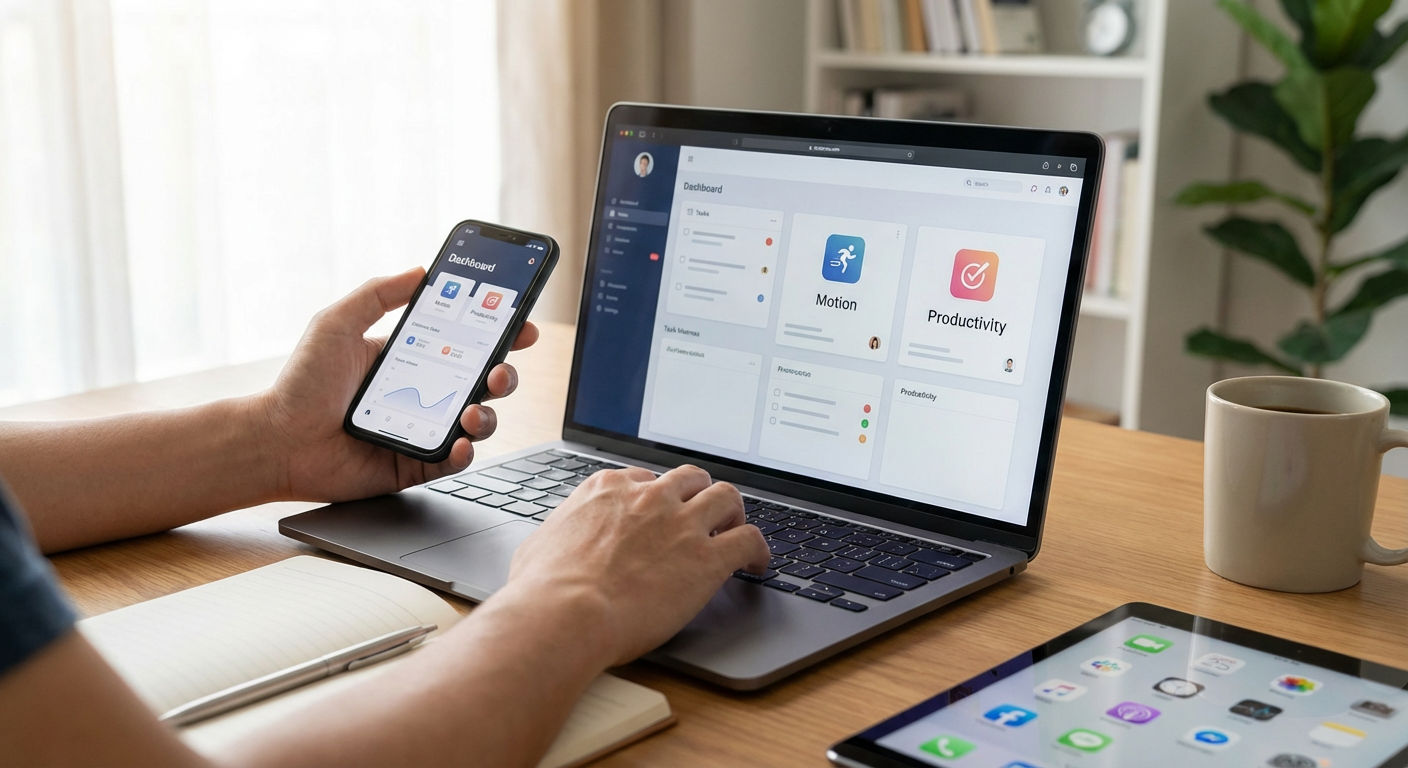
Motion uses AI to build your daily schedule automatically. You add tasks, deadlines, and meetings, and the app figures out when you should work on each item. It adjusts in real time when things change, so you don’t have to manually shuffle your calendar every time a client reschedules.
This type of intelligent scheduling is where productivity tools are headed. Instead of spending mental energy planning your day, you let the software handle it. Motion learns your habits and optimizes your workflow, which makes it a smart choice for freelancers who want to stay efficient as their workload grows.
- Sunsama
Sunsama pulls tasks from multiple sources into one daily plan. It connects with tools like Trello, Asana, Gmail, and Slack, so you can see everything you need to do in one place. The app encourages you to time-block your day, which helps you stay realistic about what you can actually finish.
The focus here is on intentional work, not just checking off tasks. Sunsama helps you reflect on what you accomplished and what needs to carry over, which builds better long-term habits. As remote work becomes more distributed and tools multiply, having a central hub that keeps you grounded is a smart strategy.
- Notion AI
Notion already changed how freelancers organize information, but the AI features take it further. You can generate content drafts, summarize notes, translate text, and brainstorm ideas without leaving your workspace. This integration means you spend less time switching between apps and more time getting things done.
AI is only getting better, and Notion is positioning itself to grow with that trend. The ability to automate parts of your writing, research, and planning within a tool you already use makes it a strong bet for the future. Freelancers who adopt AI-assisted workflows now will have a head start as these features become standard.
- Akiflow
Akiflow consolidates your tasks, calendar, and inbox into a single command center. It works with tools like Google Calendar, Todoist, Slack, and more, so you can manage everything from one interface. The app is designed for people who juggle multiple projects and need to move fast.
What makes Akiflow forward-thinking is its emphasis on speed and integration. As freelancers take on more clients and more tools, the ability to act quickly without context-switching becomes critical. Akiflow is built for that reality, and it keeps improving as new integrations roll out.
- Relay.app
Relay.app is an automation tool that connects different apps and automates repetitive tasks. Think of it as a more accessible version of Zapier, with a focus on simplicity and human-in-the-loop automation. You can set up workflows that handle invoicing, client onboarding, file management, and more.
Automation is the future of productivity, and Relay makes it approachable for freelancers who aren’t tech experts. The platform is actively growing, adding new integrations and features regularly. Learning to automate your busywork now will save you hours every week as your freelance business scales.
- Capacities
Capacities is a knowledge management app that organizes information by objects, not folders. Instead of digging through nested files, you create cards for people, projects, ideas, and resources, then connect them naturally. This structure mirrors how your brain actually works, which makes retrieval faster and more intuitive.
As freelancing becomes more knowledge-intensive, having a reliable system to capture and retrieve information is essential. Capacities is built for people who manage complex projects over long periods. It’s still growing, but the approach feels modern and sustainable compared to traditional file systems.
- Reflect
Reflect is a note-taking app that uses networked thinking and AI to help you make connections between ideas. It syncs instantly across devices and supports backlinking, so you can build a web of related notes over time. The AI can surface relevant notes, summarize content, and even help you write.
The app is designed for long-term knowledge building, not just quick notes. Freelancers who work on recurring themes or build expertise in specific areas will benefit from having a system that grows smarter as you use it. Reflect is positioning itself as a tool for thinkers, not just list-makers, which aligns with where productivity tools are heading.
- Reclaim.ai
Reclaim.ai automatically schedules your habits, tasks, and breaks directly into your calendar. It defends time for deep work, personal routines, and buffer periods, so your calendar doesn’t get swallowed by meetings. The app adjusts dynamically as your schedule changes, always prioritizing what matters most.
This kind of proactive time management is the next step in productivity software. Instead of reacting to your calendar, you set priorities and let the app handle the logistics. For freelancers who want to protect their energy and focus, Reclaim is a practical way to stay in control as client demands increase.
- Missive
Missive is a shared inbox and chat app designed for small teams and solo freelancers who collaborate with others. It combines email, SMS, WhatsApp, and live chat into one interface, so you can manage all your communication without switching tabs. You can assign conversations, add internal comments, and set reminders.
As freelancing becomes more collaborative, tools that blend communication and task management will become essential. Missive is built for this hybrid work style, and it keeps adding new channels and features. If you work with clients or partners across multiple platforms, Missive helps you stay organized and responsive.
- Amie
Amie combines your calendar, tasks, and notes in one beautifully designed app. It’s fast, clean, and built for people who want simplicity without sacrificing power. You can schedule meetings, jot down ideas, and track to-dos without feeling overwhelmed by features you don’t need.
The app is relatively new but growing quickly, with a strong focus on user experience and speed. As productivity tools become more cluttered, Amie’s minimalist approach feels like a smart counterbalance. It’s a good choice for freelancers who want a tool that will stay lean and focused as it matures.
- Beeper
Beeper unifies all your messaging apps into one inbox. It supports WhatsApp, Telegram, Signal, Slack, Discord, Instagram, and more, so you can chat with clients and collaborators without juggling a dozen apps. Everything is searchable, and you can manage notifications from one place.
Messaging fragmentation is a real problem for freelancers, and it’s only getting worse. Beeper solves this by acting as a universal layer over all your chat apps. As communication tools continue to multiply, having a single interface that brings them together will save you time and mental overhead.
- Mem
Mem is an AI-native note-taking app that helps you capture and retrieve information effortlessly. It uses AI to organize your notes, surface relevant content, and even answer questions based on what you’ve written. You don’t need to worry about folders or tags because the app handles that for you.
This is where note-taking is headed. Instead of manually organizing everything, you let AI do the heavy lifting while you focus on creating. Mem is designed for people who produce a lot of content and need fast access to past ideas. For freelancers who write, consult, or manage client knowledge, Mem is a forward-thinking choice.
- Structured
Structured is a visual day planner that helps you map out your time in a simple, tactile way. You create time blocks for tasks and see your day laid out hour by hour. It’s mobile-first, so you can adjust your plan on the go, and it syncs with your calendar.
The app is perfect for freelancers who need to see their day visually and stay flexible. As more people work remotely and manage their own schedules, tools that make time tangible and easy to adjust will stay relevant. Structured keeps things simple, which is a strength as other apps grow more complex.
- Centered
Centered is a focus app that combines music, timers, and gentle coaching to help you stay on task. It plays flow-state music, tracks your work sessions, and gives you real-time feedback to keep you engaged. The app is built around the science of deep work and helps you build better concentration habits over time.
Attention is becoming the scarcest resource in freelancing, and tools that help you protect it are increasingly valuable. Centered takes a holistic approach, blending environment, accountability, and feedback. If you struggle with distractions, this app offers a modern solution that adapts to how you actually work.
- Ellie
Ellie is an AI email assistant that drafts replies based on your writing style. You feed it context about your work and preferences, and it generates responses that sound like you. You can edit before sending, but the first draft is already done, which saves you time and decision fatigue.
Email isn’t going anywhere, but AI is changing how we handle it. Ellie is part of a wave of tools that use language models to reduce busywork. As these tools improve, freelancers who adopt them early will have more time for high-value work. Ellie is simple, focused, and built for people who want to spend less time in their inbox.
- Cron
Cron is a next-generation calendar app built for speed and collaboration. It has keyboard shortcuts for everything, integrates with Zoom and Google Meet, and makes scheduling across time zones effortless. The interface is clean and fast, designed for people who live in their calendar.
As freelancing becomes more global and meeting-heavy, having a calendar that works as fast as you think is a real advantage. Cron is actively developed and focused on power users. It’s a strong pick for freelancers who want a tool that will keep up with modern work habits and continue to improve over time.
The best productivity apps aren’t just about doing more today. They’re about setting you up for tomorrow. The tools on this list are built to adapt, scale, and stay relevant as your freelance work changes. Whether you’re managing clients, protecting your focus, or automating repetitive tasks, these apps give you a solid foundation to grow on. Pick a few that fit your workflow, give them time to prove themselves, and adjust as you go. Your future self will thank you.