

15 Practical Ways to Use AI Tools Every Freelancer Needs to Stay Competitive
If you’re a freelancer, you already know that time is money and efficiency is everything. AI tools can handle the repetitive tasks that eat up your day, letting you focus on the work that actually pays. This list gives you specific, hands-on ways to put AI to work in your freelance business right now. Each tool comes with practical tips you can implement today, not abstract ideas about what might be possible someday. Let’s get into the actionable steps that will make you faster, sharper, and more competitive.
- Legiit for Finding and Hiring Specialized AI Services

Legiit connects you with freelancers who specialize in AI services, from content creation to data analysis. Instead of spending hours learning a new AI tool yourself, you can hire someone who already knows how to get results. Start by browsing the AI services category and look for sellers with strong reviews and clear deliverables. Use the messaging system to ask specific questions about turnaround time and revision policies before you commit. This approach lets you test different AI capabilities without the learning curve, and you only pay for what you need.
- ChatGPT for Client Communication Templates
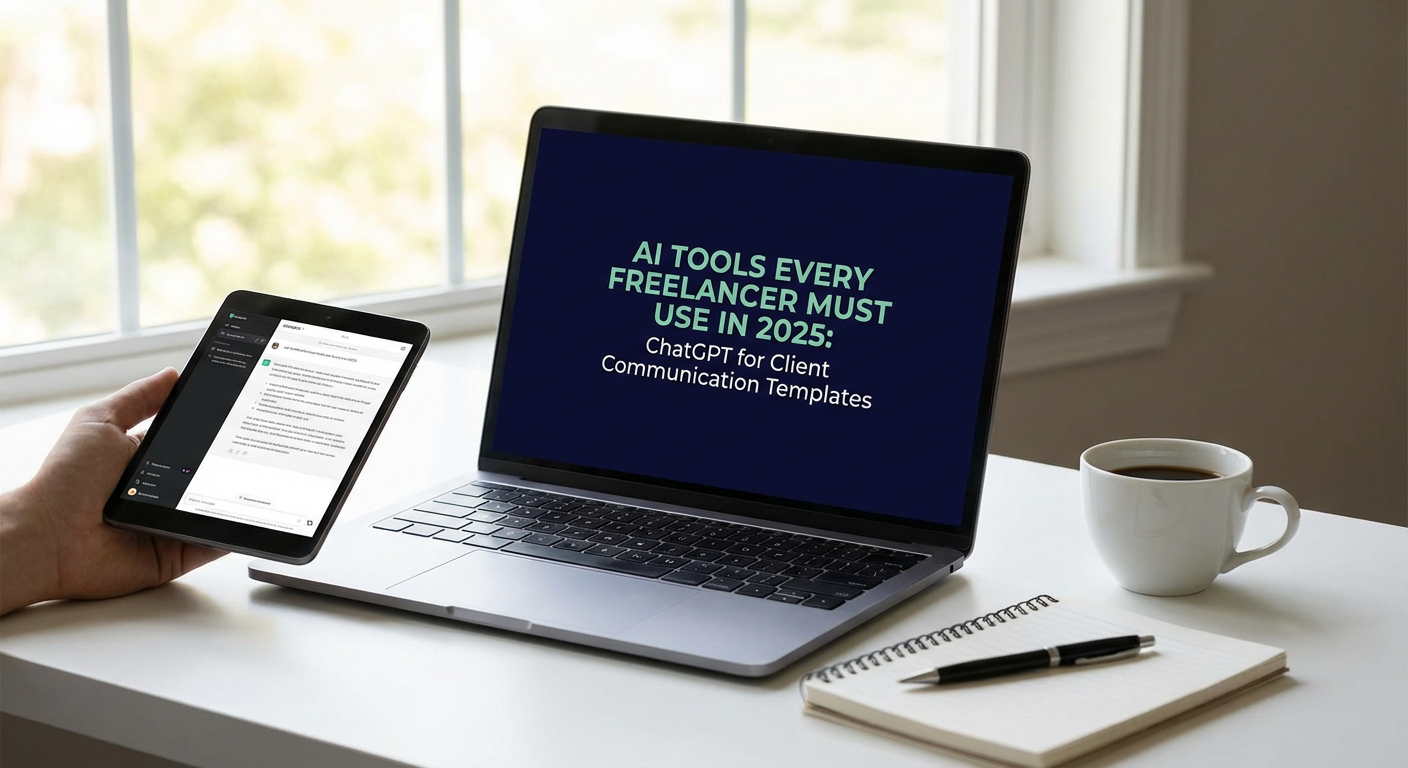
Stop rewriting the same emails over and over. Use ChatGPT to create templates for common client scenarios like project updates, invoice reminders, and scope clarification requests. Feed it examples of your best past emails and ask it to generate variations you can customize. Keep a document of these templates organized by situation, then personalize them with specific client details before sending. This saves you 15 to 30 minutes per day that you can spend on billable work instead of admin tasks.
- Grammarly for Real-Time Writing Quality Control
Install Grammarly as a browser extension so it checks your writing everywhere, from emails to project documents. Turn on the tone detector to make sure your messages sound professional or friendly, depending on the context. Use the clarity suggestions to cut unnecessary words and make your points faster. Set your goals for each piece of writing so Grammarly adjusts its recommendations based on whether you need formal, casual, or persuasive language. This keeps your communication polished without slowing you down.
- Notion AI for Project Documentation and Knowledge Management
Use Notion AI to summarize meeting notes, create action item lists, and organize project information automatically. Set up a template for each client that includes project goals, deadlines, and contact details, then let the AI help you fill in recurring sections. Ask it to generate FAQ documents based on common client questions, which you can reference quickly during calls. The real power comes from keeping everything in one searchable place, so you’re not hunting through emails or Slack messages when you need information fast.
- Canva AI for Quick Visual Content Creation
Canva’s AI features let you generate images, remove backgrounds, and resize designs for different platforms in seconds. Start with the Magic Design tool by uploading a few images or describing what you need, then customize the AI-generated layouts. Use the background remover on product photos or headshots without needing Photoshop skills. Create a brand kit with your colors and fonts so every design stays consistent, then use the Magic Resize feature to adapt one design for Instagram, LinkedIn, and your website all at once. This turns a two-hour design project into a 15-minute task.
- Otter.ai for Automatic Meeting Transcriptions
Record client calls and interviews with Otter.ai running in the background, then get a searchable transcript within minutes. Review the transcript to pull out action items, deadlines, and key decisions without rewatching the entire recording. Share the transcript with clients as meeting notes to confirm everyone is aligned. Use the search function to find specific topics or quotes when you need to reference something weeks later. This eliminates the need for frantic note-taking during calls and gives you proof of what was discussed.
- Descript for Fast Audio and Video Editing
Descript lets you edit audio and video files by editing the transcript, which is much faster than traditional timeline editing. Remove filler words like um and uh with one click, cutting your editing time in half. Use the Overdub feature to fix small mistakes in your voiceover without re-recording the entire thing. Generate captions automatically for social media videos, which increases engagement and makes your content accessible. If you create any kind of multimedia content for clients, this tool turns a complex process into something manageable.
- Zapier for Connecting Your Freelance Tech Stack
Set up Zaps to automate repetitive tasks between the apps you already use. For example, automatically save email attachments from clients to a specific Google Drive folder, or add new leads from your contact form directly into your CRM. Create a Zap that sends you a Slack notification when a client pays an invoice, so you know immediately without checking multiple platforms. Start with pre-built templates for common workflows, then customize them as you learn what saves you the most time. Even three or four well-designed Zaps can save you hours each week.
- Jasper AI for First-Draft Content Generation
Use Jasper to generate first drafts of blog posts, social media captions, or marketing copy, then edit and refine from there. Input your topic, target audience, and desired tone, then let it create an outline or full draft you can work from. This is especially useful when you’re stuck or facing a tight deadline. Always fact-check and personalize the output, since AI can generate plausible-sounding content that needs human verification. Think of it as a writing partner that gets you 70% of the way there, so you can focus on the final polish that makes the work yours.
- Copy.ai for Marketing and Sales Copy
Generate subject lines, ad copy, and landing page text quickly with Copy.ai’s templates designed for conversion. Use the product description tool if you work with e-commerce clients, entering basic features and letting the AI write persuasive copy. Test multiple variations of headlines or calls to action, then A/B test them with your client to see what performs best. Save your best outputs in a swipe file so you can reference proven formulas for future projects. This tool works best when you guide it with clear inputs and strong editing afterward.
- Midjourney for Custom Graphic Assets and Concept Visuals
Generate custom illustrations, concept art, or mood boards for client presentations using text prompts. Start with simple descriptions and add style references like watercolor, minimalist, or vintage to guide the output. Use the variations feature to explore different directions from one base image. Download the results and refine them in Canva or Photoshop if needed. This is particularly useful for freelancers in marketing, branding, or content creation who need visuals but don’t have a design budget or extensive design skills.
- Superhuman AI for Email Prioritization and Speed
Superhuman uses AI to sort your emails by importance and suggest quick replies based on context. Set up split inboxes to separate client emails from newsletters and notifications, so you always see what matters first. Use keyboard shortcuts to archive, snooze, or reply without touching your mouse, which dramatically speeds up email processing. Let the AI draft replies to routine messages, then personalize them before sending. If you spend more than an hour a day on email, this tool can cut that time significantly and reduce the mental load of inbox management.
- Fireflies.ai for Meeting Notes and CRM Updates
Fireflies.ai joins your video calls automatically and records, transcribes, and summarizes the conversation. Review the AI-generated summary to quickly extract tasks, questions, and decisions without reading the full transcript. Integrate it with your CRM so meeting notes sync automatically to the right client record. Use the search function to find every mention of a specific topic across all your recorded meetings. This is a massive time saver if you have multiple client calls each week and struggle to keep detailed notes.
- Wordtune for Sentence-Level Writing Improvements
Wordtune suggests alternative ways to phrase your sentences, helping you sound clearer or more professional. Highlight any sentence in your draft and see options that are shorter, longer, more casual, or more formal. This is especially helpful when you’re writing in a second language or trying to match a specific client’s tone. Use it during the editing phase rather than the drafting phase, so you’re refining ideas instead of getting distracted. It’s a lightweight tool that integrates with most writing apps and works well alongside Grammarly.
- Runway ML for Quick Video Effects and Editing
Runway ML offers AI-powered video tools like background removal, object tracking, and style transfer without needing advanced editing skills. Use the green screen tool to change video backgrounds for client presentations or social content. Apply motion tracking to add text or graphics that follow a moving subject. Experiment with the style transfer feature to give footage a specific artistic look. These tools make professional-looking video effects accessible to freelancers who don’t have time to master complex software like After Effects.
AI tools work best when you treat them as assistants, not replacements for your skills and judgment. Start with one or two tools from this list that address your biggest time drains, and get comfortable with them before adding more. Focus on implementation over experimentation. The freelancers who stay competitive are the ones who use AI to do more valuable work in less time, not the ones who collect tools they never actually use. Pick a tool, set it up today, and let it start saving you time immediately.