

10 Beginner-Friendly Tools You Must Have in Your Freelancing Business, Categorized by Application
Starting a freelancing business can feel overwhelming, especially when you’re bombarded with advice about dozens of tools you supposedly need. The truth is, you don’t need expensive or complicated software to get started. What you need are straightforward, easy-to-learn tools that help you work efficiently without a steep learning curve. This list focuses on beginner-friendly options across different categories, each chosen because they’re simple to set up, intuitive to use, and won’t leave you watching hours of tutorial videos just to understand the basics. Whether you’re managing clients, tracking time, or handling invoices, these tools will help you build a solid foundation for your freelancing career.
- Legiit for Finding Clients and Services
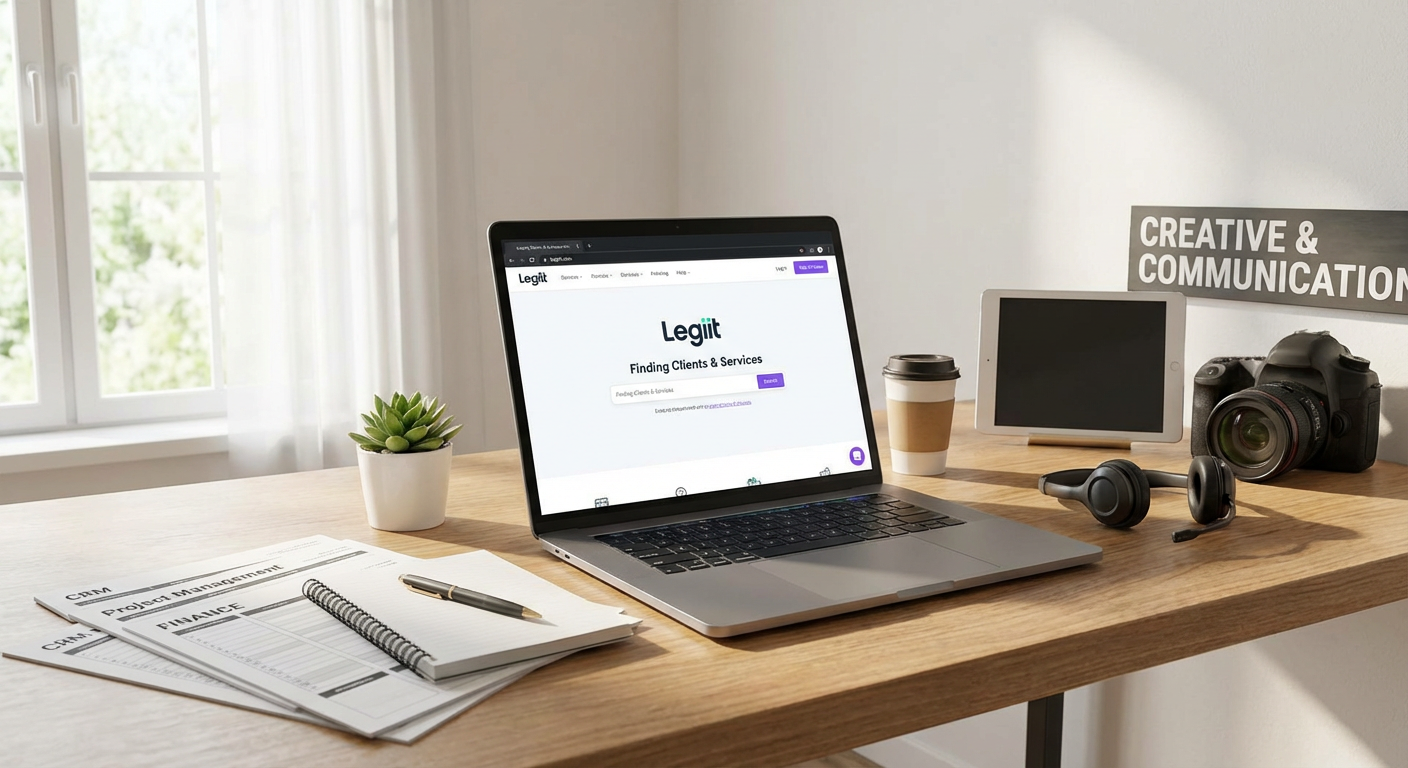
When you’re just starting out, finding your first clients can be the hardest part of freelancing. Legiit makes this process straightforward by giving you a platform where you can offer your services directly to people who need them. You create a simple profile, list what you do, set your prices, and start accepting orders. The interface is clean and doesn’t require any technical knowledge to navigate.
What makes Legiit particularly good for beginners is that it handles payments securely and provides a structured way to communicate with clients. You don’t need to worry about setting up payment processors or writing complex contracts right away. The platform also has a marketplace where you can buy services from other freelancers if you need help with tasks outside your skill set. This makes it easier to deliver complete projects even when you’re building your capabilities.
- Wave for Simple Accounting
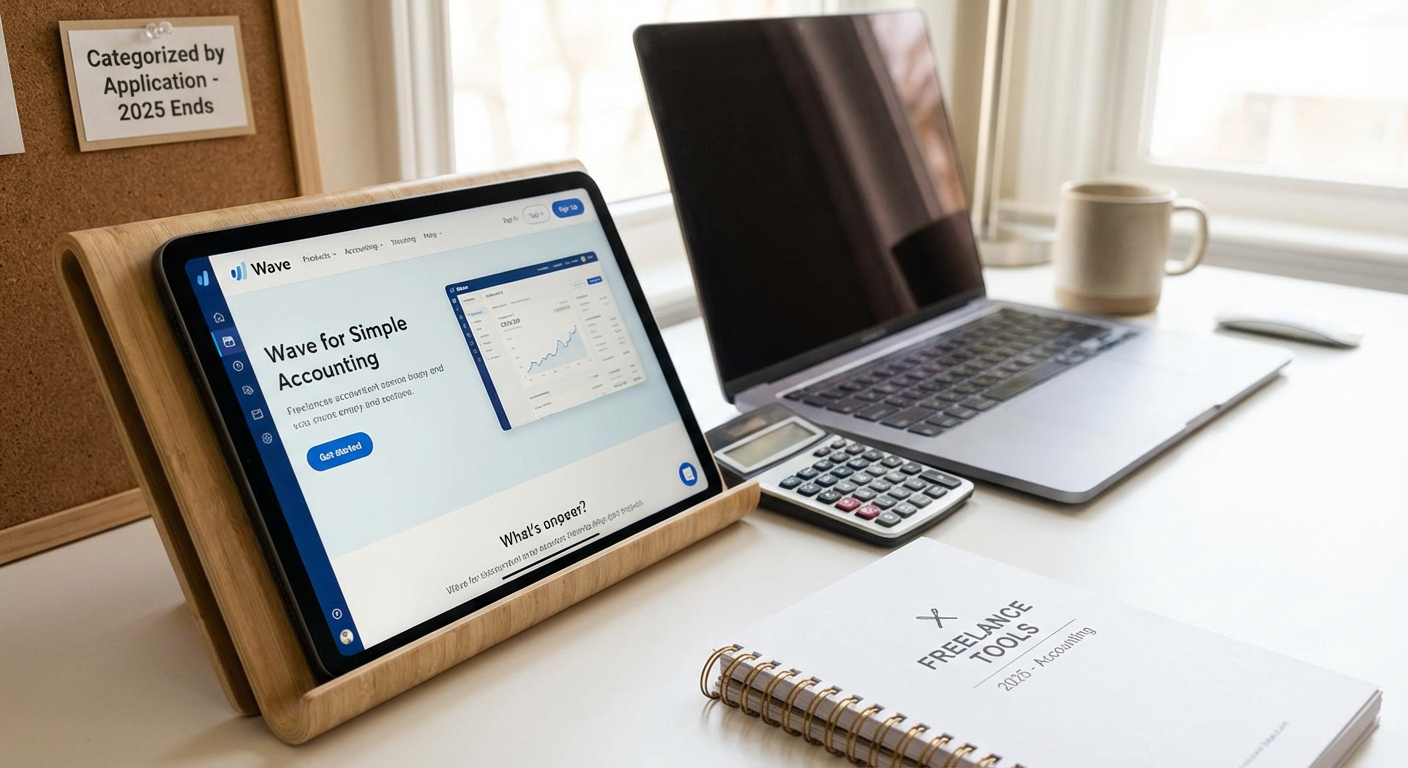
Accounting software often looks intimidating, but Wave breaks everything down into simple terms that anyone can understand. It’s completely free for basic features, which is perfect when you’re watching every dollar in your new business. You can create professional invoices in minutes, track your expenses by snapping photos of receipts, and see basic reports that show whether you’re actually making money.
The dashboard shows you everything at a glance without burying information in complicated menus. When tax time comes around, you can export reports that make it easier to work with an accountant or file yourself. Wave also connects to your bank account to automatically import transactions, saving you from manual data entry. For someone who has never done business accounting before, this tool removes most of the fear and confusion.
- Trello for Project Management
Trello uses a visual board system that mimics how many people naturally organize tasks with sticky notes. You create cards for different tasks, move them between columns as work progresses, and add details like due dates or attachments. There’s no manual to read because the system is self-explanatory within minutes of using it.
For freelancers juggling multiple clients, you can create separate boards for each project or one master board with different sections. The free version gives you everything most solo freelancers need. You can share boards with clients so they see your progress without constant update emails. The mobile app works smoothly, letting you check tasks or make updates from anywhere. Trello grows with you, offering more advanced features when you’re ready, but you can stay productive with just the basics indefinitely.
- Canva for Quick Design Work
Not every freelancer is a designer, but most need to create graphics occasionally for social media, proposals, or client presentations. Canva gives you thousands of templates that you can customize by simply clicking and typing. The drag-and-drop interface means you never touch complicated design software or learn technical skills.
You can make professional-looking graphics for Instagram posts, business cards, presentation slides, and more in minutes rather than hours. The free version includes plenty of templates, photos, and fonts to get started. Canva also has a built-in photo editor with simple sliders for adjustments, so you don’t need separate editing software. When clients need quick visual content and you don’t have a designer on hand, Canva saves you time and money while still producing quality results.
- Google Workspace for Email and File Storage
Having a professional email address builds trust with clients, and Google Workspace gives you that along with cloud storage, documents, and spreadsheets. The interface is familiar if you’ve ever used Gmail, so there’s almost no learning curve. You get a custom email with your business name, which looks far more professional than a generic free email account.
Google Docs and Sheets work great for contracts, proposals, and tracking projects without buying expensive office software. Everything saves automatically to the cloud, so you never lose work if your computer crashes. You can easily share documents with clients and see their comments in real time. The search function across all your files is powerful, helping you find that one email or document from months ago in seconds. For beginners, the monthly cost is reasonable and covers multiple essential tools in one package.
- Toggl Track for Time Management
Tracking your time helps you understand how long tasks actually take and whether you’re pricing your services correctly. Toggl Track makes this simple with a big start and stop button that you click when beginning and ending work. You can add a brief description and tag it to a specific client or project with just a couple more clicks.
The reports show you where your hours go each week, which can be eye-opening when you realize certain tasks eat up more time than you thought. This information helps you adjust your rates or streamline your process. Toggl works as a browser extension, desktop app, or mobile app, so you can track time however you work. The free version is generous and handles everything most solo freelancers need. You can also use the data to create accurate invoices that show clients exactly what you worked on.
- Grammarly for Writing Confidence
Clear communication matters in freelancing, whether you’re writing emails, proposals, blog posts, or social media content. Grammarly acts like a helpful editor that catches mistakes as you type. It underlines errors and suggests corrections with simple explanations, which actually helps you learn better writing habits over time.
The free version catches spelling and basic grammar mistakes, which covers most needs for someone starting out. It works inside your browser, email client, and many other applications, so you get help wherever you write. The tone detector helps you understand if your message sounds friendly, formal, or something else, which is useful when communicating with different types of clients. You don’t need to be a perfect writer to succeed as a freelancer, but Grammarly helps you present yourself professionally with less stress.
- Calendly for Scheduling Meetings
The back-and-forth emails trying to find a meeting time waste energy that could go toward billable work. Calendly solves this by letting clients see your available times and book meetings themselves. You set your working hours and buffer times, then share a simple link. The client picks a slot that works for them, and the meeting appears on both calendars automatically.
The tool connects to Google Calendar or other calendar services, so it knows when you’re already busy and won’t double-book you. You can set up different meeting types with different lengths and send custom questions that clients answer when booking. Email reminders go out automatically, reducing no-shows. The free plan covers one meeting type, which is enough when you’re starting. This small tool saves hours of administrative work each month and makes you look organized and professional.
- LastPass for Password Security
Freelancers juggle accounts for clients, tools, social media, and more. Writing passwords on paper or reusing the same one everywhere creates security risks. LastPass stores all your passwords securely and fills them in automatically when you need them. You only remember one master password to access everything else.
The tool generates strong, random passwords for new accounts, so you don’t have to think up complicated combinations yourself. It works across all your devices and browsers, keeping everything in sync. The free version covers individual use with passwords, notes, and basic sharing. When you need to share a client account password with a contractor, you can do it securely through LastPass rather than sending it in plain text. Setting this up early creates good security habits as your business grows and handles more sensitive information.
- Slack for Client Communication
Email works fine for many things, but some clients prefer faster, more casual communication. Slack provides a middle ground between email formality and text message informality. You can create separate channels for different projects or topics, keeping conversations organized and searchable. Messages are threaded, so you can follow specific discussions without everything jumbling together.
The free version lets you message with clients, share files, and search recent message history. You can use reactions to acknowledge messages quickly without typing a response. Video calls are built in for quick check-ins when typing isn’t enough. Many companies already use Slack internally, so suggesting it for project communication often gets positive responses. The interface is clean and doesn’t require training, you just start typing and figure out additional features as you need them.
Building a freelancing business doesn’t require a huge budget or technical expertise when you choose the right tools. Each option on this list was selected because it’s genuinely easy to learn and solves a real problem without creating new headaches. Start with the free versions of these tools and upgrade only when you hit their limits, which might not happen for months or even years depending on your business size. The key is getting started with systems that work rather than spending weeks researching the perfect setup. These tools handle the administrative and technical parts of freelancing so you can focus on what you do best and actually make money. Pick a few that address your biggest pain points right now, set them up this week, and you’ll already be operating more professionally than many established freelancers.