

10 Easy-to-Use Tools Every Beginner Freelancer Needs Right Now
Starting a freelancing business can feel overwhelming when you’re staring at hundreds of software options and complicated platforms. The good news is that you don’t need fancy, expensive tools to get started. What you need are simple, approachable solutions that help you find clients, manage projects, get paid, and stay organized without a steep learning curve. This list focuses on tools specifically chosen for their ease of use, clear interfaces, and ability to get you up and running quickly. Whether you’re launching your first freelance gig or trying to streamline your workflow, these ten tools will help you build a solid foundation without the headaches.
- Legiit
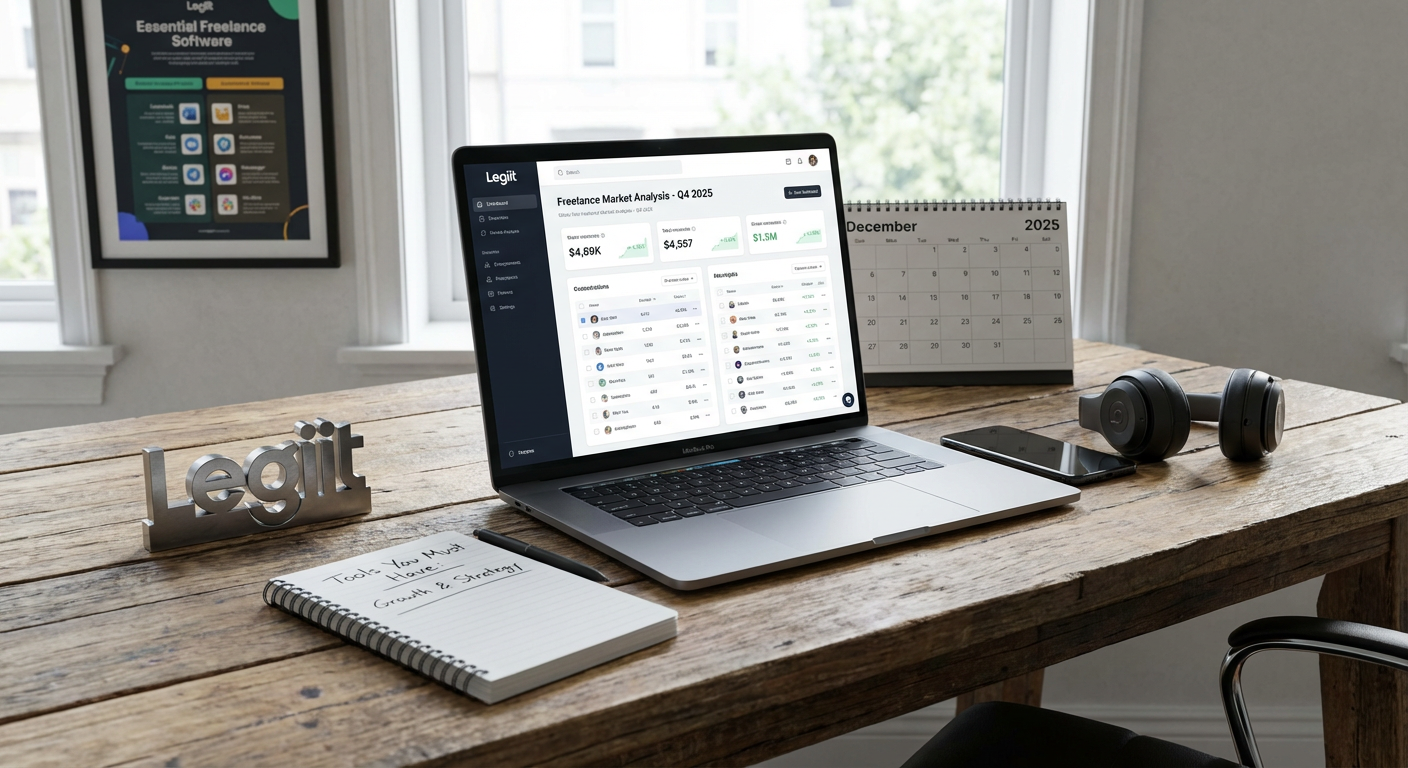
Legiit is a marketplace built specifically for freelancers who want to sell services without dealing with complex setup processes. Unlike other platforms that require lengthy applications or confusing fee structures, Legiit lets you create service listings quickly and start selling right away. The interface is straightforward, making it easy to understand what you’re earning and how to communicate with clients.
What makes Legiit especially helpful for beginners is the supportive community and resources designed to help you succeed from day one. You can list services across dozens of categories, from writing and design to marketing and tech support. The platform handles payments securely, so you don’t have to worry about chasing down clients or setting up complicated payment systems on your own. For freelancers just starting out, having a place where you can test your services and build your first client base makes all the difference.
- Wave

Managing your finances as a freelancer doesn’t have to mean learning complicated accounting software. Wave offers free invoicing, expense tracking, and basic accounting features that make sense even if you’ve never run a business before. The interface is clean and intuitive, with templates that guide you through creating professional invoices in minutes.
You can track income and expenses, scan receipts with your phone, and see simple reports that show how your business is performing. Wave also lets clients pay invoices directly through the platform, which speeds up the payment process considerably. For beginners who feel anxious about the financial side of freelancing, Wave removes most of the confusion and keeps everything in one accessible place.
- Trello
Keeping track of multiple projects and deadlines becomes crucial once you land your first few clients. Trello uses a simple card-and-board system that makes project management visual and easy to understand. You create boards for different projects or clients, then add cards for individual tasks that you can move through stages like ‘To Do,’ ‘In Progress,’ and ‘Complete.’
The drag-and-drop interface requires almost no training, and you can start organizing your work within minutes of signing up. Trello offers free plans that work perfectly well for solo freelancers managing a handful of clients. You can add due dates, attach files, create checklists, and leave notes on cards to keep all your project information in one spot. The visual nature of Trello helps you see at a glance what needs attention, which reduces the mental load of juggling multiple commitments.
- Grammarly
Clear, professional communication sets successful freelancers apart, regardless of what service you provide. Grammarly works as a browser extension and desktop app that checks your writing for grammar mistakes, spelling errors, and clarity issues in real time. The free version catches most common problems and helps you sound more polished in emails, proposals, and client communications.
What makes Grammarly beginner-friendly is that it explains why something is wrong and suggests specific fixes. Over time, you’ll notice patterns in your writing and naturally improve. Whether you’re drafting a project proposal, responding to client feedback, or writing content as part of your service, Grammarly acts as a safety net that catches embarrassing mistakes before they reach your clients. The confidence boost alone makes it worth adding to your toolkit.
- Canva
Every freelancer needs to create visual content occasionally, whether it’s a social media post to promote your services, a simple logo, or graphics for client deliverables. Canva makes design accessible to people with zero graphic design experience through its drag-and-drop editor and massive library of templates. You simply choose a template that fits your needs, customize the text and colors, and download your finished design.
The free version includes thousands of templates and design elements, which is more than enough for most beginner freelancers. Canva works entirely in your browser, so there’s no software to install or complicated tools to learn. You can create professional-looking materials in minutes, which helps you present yourself well to potential clients and adds value to your service offerings. Many freelancers who start with Canva for personal branding end up using it for client work too.
- Google Workspace
You need reliable tools for creating documents, spreadsheets, presentations, and storing files. Google Workspace provides all of these basics in one place with automatic cloud saving and easy sharing capabilities. The free version includes Gmail, Google Docs, Google Sheets, Google Slides, and 15GB of Google Drive storage, which covers most beginner freelancer needs.
What makes Google Workspace particularly valuable is that most people already have some familiarity with these tools, which reduces the learning curve significantly. You can share documents with clients who can comment or suggest edits without downloading anything. Everything saves automatically to the cloud, so you never lose work if your computer crashes. The collaboration features make it simple to work with clients or other freelancers on shared projects. Starting with tools you probably already know how to use lets you focus on building your business instead of learning new software.
- Calendly
The back-and-forth of scheduling calls and meetings with clients wastes surprising amounts of time. Calendly solves this problem by letting clients book time directly on your calendar based on your availability. You set your working hours and meeting types, then share a simple link with clients who can choose a time that works for them.
The free plan allows one type of meeting and connects to your Google or Outlook calendar to prevent double-bookings. Setup takes about five minutes, and the system sends automatic reminders to reduce no-shows. Clients appreciate the convenience of booking without email ping-pong, and you’ll appreciate reclaiming the time you used to spend coordinating schedules. For freelancers who regularly take discovery calls or client check-ins, Calendly quickly becomes indispensable.
- LastPass
As you build your freelance business, you’ll create accounts on dozens of platforms for clients, tools, and services. Trying to remember all those passwords or reusing the same password everywhere creates security risks. LastPass is a password manager that stores all your login information securely and fills it in automatically when you need it.
The free version works across unlimited devices and includes password generation, which creates strong, unique passwords for every account. You only need to remember one master password to access everything else. LastPass also stores secure notes, which is handy for saving client information, software licenses, or other sensitive details you need to reference occasionally. For beginners worried about security but overwhelmed by password management, LastPass provides peace of mind without adding complexity to your daily routine.
- Loom
Explaining complex ideas or providing feedback often works better with video than text. Loom lets you record quick screen and camera videos that you can instantly share with clients through a simple link. The free plan includes up to 25 videos at a time, which works fine for most freelancers who delete old videos after projects wrap up.
Recording a Loom video requires just a few clicks, and the tool handles all the technical details automatically. You can walk clients through website changes, explain design decisions, provide training on deliverables, or give project updates in a personal, clear way. Clients consistently appreciate video explanations because they can watch at their own pace and refer back as needed. Loom also shows you when someone watches your video, which helps you know when to follow up. The simplicity and effectiveness of Loom make it valuable across nearly every type of freelance service.
- Toggl Track
Understanding how you spend your time helps you price services accurately and identify where you’re losing hours. Toggl Track is a time tracking tool with a simple start-and-stop timer that runs while you work. The interface is minimal and uncluttered, making it easy to track time without interrupting your workflow.
You can organize time entries by project and client, then view reports that show exactly where your hours went. The free version includes all the core features most freelancers need, including unlimited tracking and basic reporting. Many beginners discover they’re spending far more time on certain tasks than they realized, which helps them adjust pricing or improve efficiency. Even if you don’t bill hourly, tracking your time for a few weeks provides valuable data about your actual workload and helps you make better business decisions going forward.
Building a successful freelance business doesn’t require mastering complicated enterprise software or investing in expensive tools right from the start. These ten beginner-friendly options give you everything you need to find clients, deliver quality work, communicate professionally, and manage the business side of freelancing without unnecessary complexity. Start with the tools that address your most immediate needs, then gradually add others as your business grows and your requirements change. The key is choosing tools that you’ll actually use consistently rather than collecting software that sits untouched because it’s too confusing or overwhelming. With these accessible options in your corner, you can focus your energy on what matters most: building relationships with clients and delivering excellent work.