

3 Hidden Communication Tools Every Freelancer Should Know About
Most freelancers stick to the same handful of well-known communication platforms, but some of the best tools for managing client conversations, coordinating projects, and building relationships fly under the radar. These lesser-known options solve real problems without the bloat, complexity, or high price tags of mainstream alternatives. If you’re tired of paying for features you don’t use or dealing with clunky interfaces that slow you down, this list is for you. Let’s look at three underrated communication tools that can make your freelance business run more smoothly without breaking the bank or requiring a steep learning curve.
- Legiit
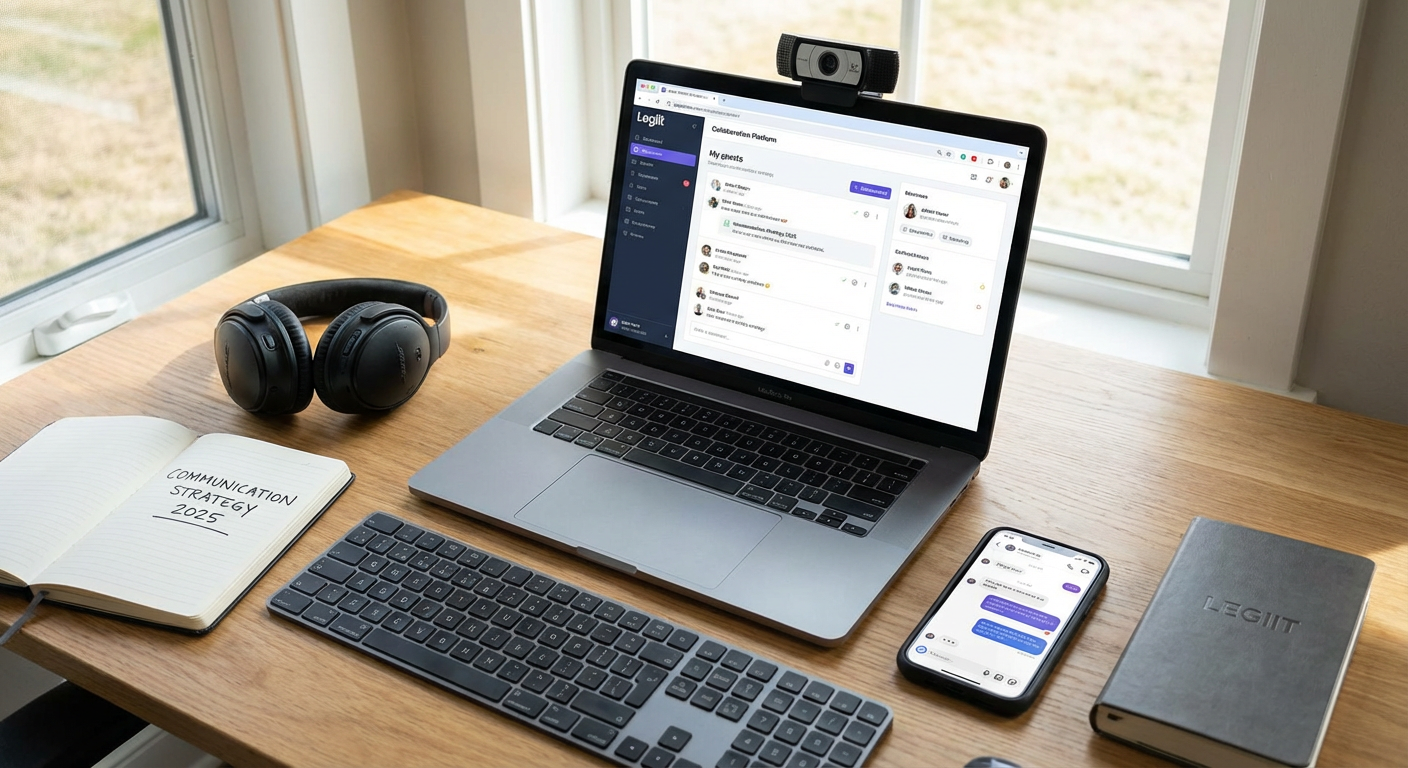
While most freelancers think of Legiit primarily as a marketplace for selling services, it actually offers a surprisingly robust communication system that many users overlook. The platform includes built-in messaging that keeps all your client conversations organized in one place, attached directly to the projects you’re working on. This means you never have to hunt through email threads or multiple chat apps to find what a client said three weeks ago about revisions or deliverables.
What makes Legiit particularly valuable as a communication tool is how it connects messaging directly to transactions and project milestones. When a client hires you through the platform, your entire conversation history lives alongside the order details, files, and payment information. This creates a natural paper trail that protects both you and your client if questions come up later about scope, deadlines, or what was agreed upon.
The platform also handles the awkward parts of freelance communication that other tools ignore. Instead of chasing clients for payment or sending uncomfortable reminder emails, the system keeps money matters separate from creative discussions. You can focus on doing great work and communicating about the project itself, while Legiit handles the transaction side in the background. For freelancers who want to keep their communication professional and organized without juggling five different apps, Legiit offers a cleaner solution than most people realize.
- Twist
Twist is the anti-Slack, and that’s exactly why it works so well for freelancers who need calmer, more thoughtful communication with clients and collaborators. Built by the team behind Todoist, Twist organizes conversations into threads that don’t demand immediate responses. There’s no pressure to stay online all day or respond within minutes, which means you can actually focus on your work instead of constantly monitoring chat windows.
The interface organizes everything by topic threads rather than endless scrolling channels. When a client wants to discuss a specific aspect of your project, that conversation stays contained and easy to reference later. You won’t lose important details in a flood of casual messages or have to scroll back through hundreds of lines to find what someone said yesterday. Each thread keeps its context, making it simple to bring new team members up to speed or remember what was decided weeks ago.
What really sets Twist apart is its philosophy about work communication. The tool actively discourages the always-on culture that burns out so many freelancers. Messages don’t trigger aggressive notifications, and the design gently pushes everyone toward asynchronous communication. This works especially well when you’re working with clients across different time zones or when you need to protect your deep work time from constant interruptions. For freelancers who are tired of feeling chained to instant messaging but still need organized team communication, Twist offers a refreshingly different approach that respects your time and attention.
- Loom
Loom lets you record quick video messages instead of typing out long explanations, and it’s surprisingly underused by freelancers who could benefit from it most. Rather than writing a thousand-word email trying to explain a design concept, a technical issue, or feedback on a draft, you can just hit record and talk through it while showing your screen. The result is clearer communication in less time, with far less room for misunderstanding.
Clients often misinterpret written feedback, especially when you’re trying to explain visual changes or walk through a process. With Loom, they can see exactly what you’re talking about, hear your tone (which prevents messages from seeming harsh or critical), and watch you demonstrate instead of trying to decode your written instructions. A two-minute video often replaces a fifteen-minute email exchange and three rounds of clarification questions.
The tool works equally well in both directions. When clients struggle to explain what they want changed, they can record a quick video showing you the problem instead of trying to describe it in words. This cuts down dramatically on the back-and-forth that eats up time and tests everyone’s patience. Loom videos can be watched at any time, paused, rewatched, and shared with other stakeholders without requiring everyone to join a live call.
What makes Loom particularly valuable is how it fills the gap between text messages and scheduled video calls. Sometimes you need more nuance than text provides, but you don’t need to coordinate schedules for a full meeting. Loom occupies that middle ground perfectly. The free version is generous enough for most freelancers, and the simple interface means clients can watch your videos without creating accounts or downloading software. For freelancers who frequently need to explain complex ideas, demonstrate work in progress, or provide detailed feedback, Loom eliminates friction and saves hours of typing.
The best communication tools for freelancers aren’t always the ones with the biggest marketing budgets or the most name recognition. Legiit keeps project conversations organized alongside your actual work and payments, Twist brings sanity to team communication without the chaos of constant notifications, and Loom replaces lengthy written explanations with clear, personal video messages. Each of these tools solves specific communication problems that freelancers face every day, and they do it without unnecessary complexity or expense. Try adding one or two of these to your workflow and see how much smoother your client communication becomes. Sometimes the tools you haven’t heard about yet are exactly what you’ve been looking for.