

Budget-Friendly Marketplaces for Bootstrapped Startups: 15 Options Compared
Choosing the right marketplace can make or break a bootstrapped startup’s budget. Each platform offers different pricing structures, service quality, and value propositions. This list compares 15 budget-friendly marketplaces so you can weigh the pros and cons of each option. Whether you need freelance talent, software tools, or creative assets, understanding how these platforms stack up against each other will help you make smarter spending decisions.
- Legiit: Affordable Marketing Services vs. Traditional Agencies

Legiit specializes in digital marketing services at prices that make traditional agencies look wildly expensive. You can find SEO experts, content writers, and social media managers for a fraction of what you would pay elsewhere. The platform vets its service providers and offers fixed-price packages, which removes the guesswork from budgeting.
Compared to hiring a full-service agency that might charge thousands per month, Legiit lets you pay for exactly what you need. The trade-off is that you will need to manage vendors yourself rather than having an account manager do it for you. For bootstrapped startups willing to be hands-on, this marketplace delivers professional marketing help without the premium price tag.
- Upwork vs. Fiverr: Hourly Rates Against Fixed Pricing
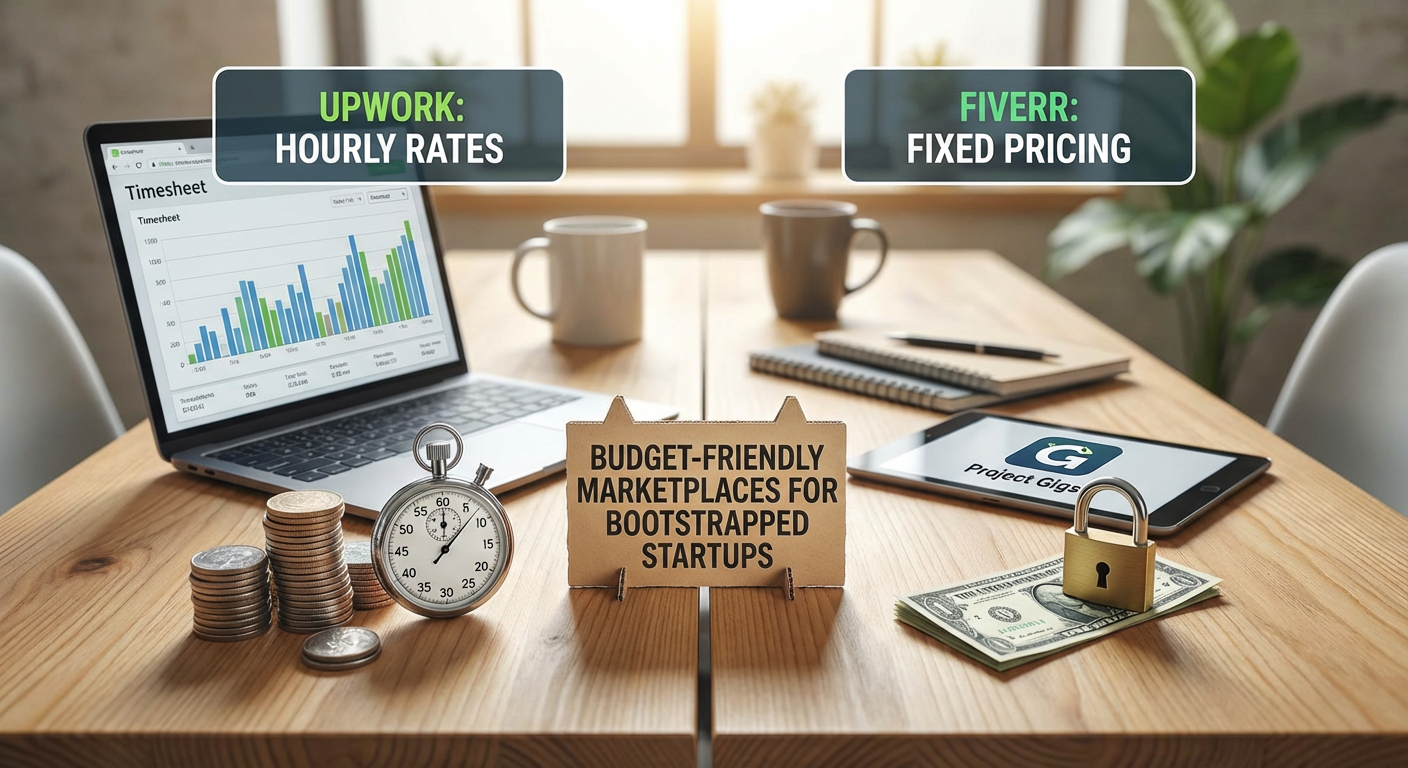
Upwork operates primarily on hourly billing, which gives you flexibility but can lead to budget uncertainty. Fiverr focuses on fixed-price gigs, making it easier to predict costs upfront. If your project scope is clear and well-defined, Fiverr often wins on price predictability.
However, Upwork offers better options for complex, ongoing work where you need regular communication with a freelancer. The platform fees on both sites eat into your budget, with Upwork charging clients less but taking more from freelancers, while Fiverr does the opposite. For quick, one-off tasks, Fiverr tends to be cheaper. For longer engagements where you value relationship-building, Upwork makes more sense despite potentially higher costs.
- Envato Elements vs. Creative Market: Subscription vs. Pay-Per-Item
Envato Elements charges a monthly subscription that gives you access to millions of creative assets, from graphics to video templates. Creative Market sells individual items, so you only pay for what you download. The break-even point matters here. If you need more than three or four premium assets per month, Envato Elements becomes the better value.
Creative Market shines when you need one specific, high-quality item and do not want ongoing costs. The per-item prices are higher, but you avoid subscription fatigue. Envato Elements works best for startups with regular content needs, while Creative Market suits occasional shoppers who prefer to buy only when necessary.
- AppSumo vs. Software Vendor Direct: Lifetime Deals vs. Recurring Subscriptions
AppSumo offers lifetime deals on software tools, meaning you pay once and use the product indefinitely. Buying directly from software vendors usually means monthly or annual subscriptions that add up over time. For bootstrapped startups, those lifetime deals can save thousands of dollars across multiple tools.
The catch is that AppSumo products are often newer or less established, and you might not get all the features of premium plans. Direct purchases from vendors give you access to full feature sets and priority support. If you can live with some limitations and want to minimize recurring expenses, AppSumo wins. If you need enterprise-grade features and support, paying vendors directly makes more sense.
- Toptal vs. Upwork: Premium Talent vs. Budget Flexibility
Toptal positions itself as the top 3% of freelance talent, which sounds great until you see the rates. Compared to Upwork, where you can find developers and designers at almost any price point, Toptal costs significantly more. The quality bar is higher, and the vetting process is rigorous, but you pay for that assurance.
For bootstrapped startups, Upwork offers better budget flexibility because you can filter by rate and find solid mid-tier talent without breaking the bank. Toptal makes sense if you have a critical project where mistakes would be costly, but for most early-stage work, Upwork provides better value. The trade-off is that you will spend more time reviewing candidates on Upwork instead of relying on Toptal’s screening process.
- 99designs vs. Dribbble: Design Contests vs. Direct Hiring
99designs runs design contests where multiple designers submit work and you pick a winner. Dribbble functions more like a portfolio site where you browse and hire designers directly. The contest model on 99designs gives you many options to choose from, but it can feel impersonal and time-consuming to review dozens of submissions.
Dribbble lets you find designers whose style you already like, which can lead to better creative alignment. However, top designers on Dribbble charge premium rates, while 99designs contest pricing is more predictable and often lower. If you want variety and are willing to manage a contest, 99designs offers good value. If you prefer a direct relationship with a designer whose work you admire, Dribbble is worth the extra cost.
- Codeable vs. Freelancer.com: WordPress Specialists vs. Generalists
Codeable focuses exclusively on WordPress development and vets all its experts carefully. Freelancer.com is a general marketplace where you can find WordPress developers alongside every other type of freelancer. Codeable charges more, but you get guaranteed WordPress expertise and a managed experience.
Freelancer.com offers lower rates because of higher competition, but quality varies widely. You might hire someone great, or you might waste time on revisions. For WordPress-specific projects where quality matters, Codeable reduces risk despite higher costs. For simpler tasks or if you have time to vet candidates yourself, Freelancer.com can save you money.
- Canva Pro vs. Adobe Stock: DIY Design Tools vs. Professional Assets
Canva Pro gives you templates and design tools that let non-designers create decent graphics quickly. Adobe Stock sells high-quality images and videos created by professionals. Canva Pro costs less per month and includes design functionality, while Adobe Stock charges per asset or through subscription credits.
For bootstrapped startups without design skills, Canva Pro delivers better overall value because you get both tools and templates. Adobe Stock makes sense when you need a specific, polished image that Canva’s library does not have. The trade-off is between convenience and professional polish. Canva Pro works for most everyday needs, but Adobe Stock elevates your visuals when it matters most.
- PeoplePerHour vs. Guru: European Focus vs. Global Reach
PeoplePerHour has strong representation from European freelancers, which can be useful if you want to work within similar time zones or prefer EU data protection standards. Guru has a more global freelancer base with competitive rates from various regions. Pricing on both platforms is comparable, but the talent pool differs.
If time zone alignment matters for your project, PeoplePerHour might reduce communication delays. Guru offers more options overall, which means better chances of finding someone who fits your exact needs and budget. Both platforms charge service fees that add to your costs, so compare the total price, not just the freelancer rate. For European startups, PeoplePerHour feels more familiar. For global flexibility, Guru provides more choices.
- Clutch vs. Upwork: Vetted Agencies vs. Individual Freelancers
Clutch lists vetted agencies that have been reviewed by real clients, which gives you confidence but comes with agency pricing. Upwork connects you with individual freelancers at much lower rates. The difference in cost can be substantial, sometimes 3x to 5x for similar work.
Agencies on Clutch bring team resources and project management, which means less work for you. Freelancers on Upwork require more hands-on management but cost far less. For complex projects that need multiple skill sets, an agency might actually save you money by coordinating everything. For straightforward tasks, hiring individuals on Upwork keeps your budget lean. The decision hinges on whether you value convenience or cost savings more.
- Thumbtack vs. TaskRabbit: Service Quotes vs. Hourly Rates
Thumbtack focuses on getting quotes from local service providers for specific projects, from web design to marketing help. TaskRabbit emphasizes hourly rates for more hands-on tasks. Thumbtack works better when you have a defined project and want to compare bids. TaskRabbit suits situations where you need someone to jump in and help with various tasks.
Pricing transparency differs between the two. Thumbtack providers send quotes after reviewing your request, so you know the total cost upfront. TaskRabbit shows hourly rates, which can creep up if tasks take longer than expected. For budget control, Thumbtack’s quote system wins. For flexibility and ongoing help, TaskRabbit’s approach makes more sense.
- Bark vs. Upwork: Lead Generation vs. Direct Search
Bark sends your project details to relevant service providers who then contact you with quotes. Upwork lets you search for and contact freelancers directly. Bark’s approach saves time on outreach but means you will receive many responses to sort through. Upwork gives you control but requires more effort to find the right person.
Bark charges service providers to contact you, which can mean higher prices passed on to you indirectly. Upwork’s fee structure is more transparent. If you prefer to have options come to you, Bark works well. If you want to control the vetting process from the start, Upwork is more efficient. The trade-off is between convenience and cost control.
- Gigster vs. Toptal: Managed Development Teams vs. Individual Experts
Gigster provides managed software development teams that handle your project from start to finish. Toptal connects you with individual top-tier developers. Gigster costs more because you are paying for project management and team coordination. Toptal charges premium rates for individual talent but leaves project management to you.
For bootstrapped startups with no technical co-founder, Gigster removes the burden of managing developers, which can justify the higher cost. Toptal makes sense if you or someone on your team can manage the developer and you just need high-quality execution. Both are expensive compared to general marketplaces, but they reduce the risk of hiring the wrong person. The decision depends on whether you need a managed solution or just great talent.
- Contra vs. Upwork: Commission-Free vs. Platform Fees
Contra markets itself as a commission-free platform where freelancers keep all their earnings. Upwork charges both freelancers and clients service fees that add up. This difference affects your costs indirectly because freelancers on Contra may charge lower rates since they are not covering platform fees.
Contra’s talent pool is smaller and skews toward creative professionals and marketers. Upwork has a much larger selection across all categories. If you find the right person on Contra, you might save money. If you need more options or specialized skills, Upwork’s larger network justifies its fees. The trade-off is between a smaller, potentially cheaper marketplace and a larger, more expensive one with more choices.
- SolidGigs vs. Freelance Job Boards: Curated Gigs vs. Open Listings
SolidGigs curates freelance opportunities and sends the best ones to subscribers, which is actually a service for freelancers rather than clients. However, understanding how freelancers find work helps you as a client. Freelancers who use SolidGigs are often more motivated and organized, which can mean better results for you.
Open job boards like Indeed or RemoteOK let you post listings and wait for applications, which costs less but attracts a wider range of quality. If you post on platforms where serious freelancers hang out, you get better candidates. The comparison here is about where you spend your time. Posting on general boards is cheap but time-intensive to filter applicants. Targeting platforms where vetted freelancers look for work, even indirectly, improves your odds of finding quality help without overspending.
Comparing marketplaces side by side reveals that there is no single best option for every bootstrapped startup. Your choice depends on what you value more: predictable pricing or flexibility, managed services or hands-on control, specialist expertise or broad options. Some platforms save you money upfront but require more time investment. Others cost more but reduce risk and hassle. By understanding these trade-offs, you can pick the marketplace that aligns with your budget, skills, and project needs. The right platform is the one that helps you get quality work done without draining your limited resources.