

Essential Software Tools for Every Small Business Owner: A Budget-Conscious Approach
Running a small business means wearing many hats, and the right software can help you do that without breaking the bank. This list focuses on practical, affordable tools that solve real problems for small business owners who need to stay lean while still running their operations smoothly. Whether you’re just starting out or looking to streamline your current setup, these options will help you work smarter without overspending.
- Legiit for Outsourcing and Freelance Services
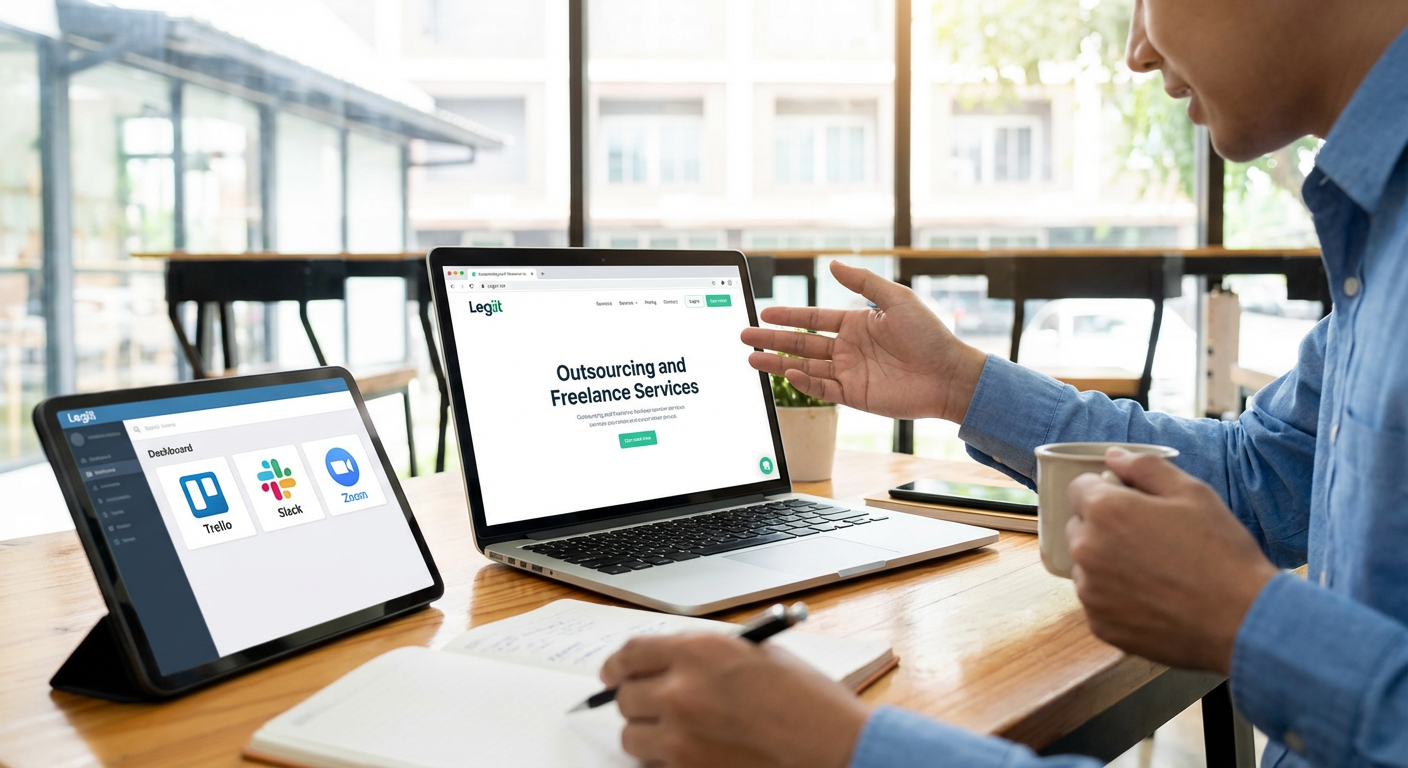
Small business owners often need help with tasks they don’t have time for or skills in, but hiring full-time employees isn’t always practical. Legiit connects you with freelancers who specialize in everything from content writing and graphic design to SEO and web development. The platform makes it easy to find vetted professionals at prices that work for small budgets.
What sets Legiit apart is its focus on digital services that small businesses actually need. You can browse fixed-price services, compare providers, and get work done without lengthy contracts or agency fees. This makes it simple to scale up or down based on your current needs, which is exactly what small businesses require.
- Wave for Free Accounting Software
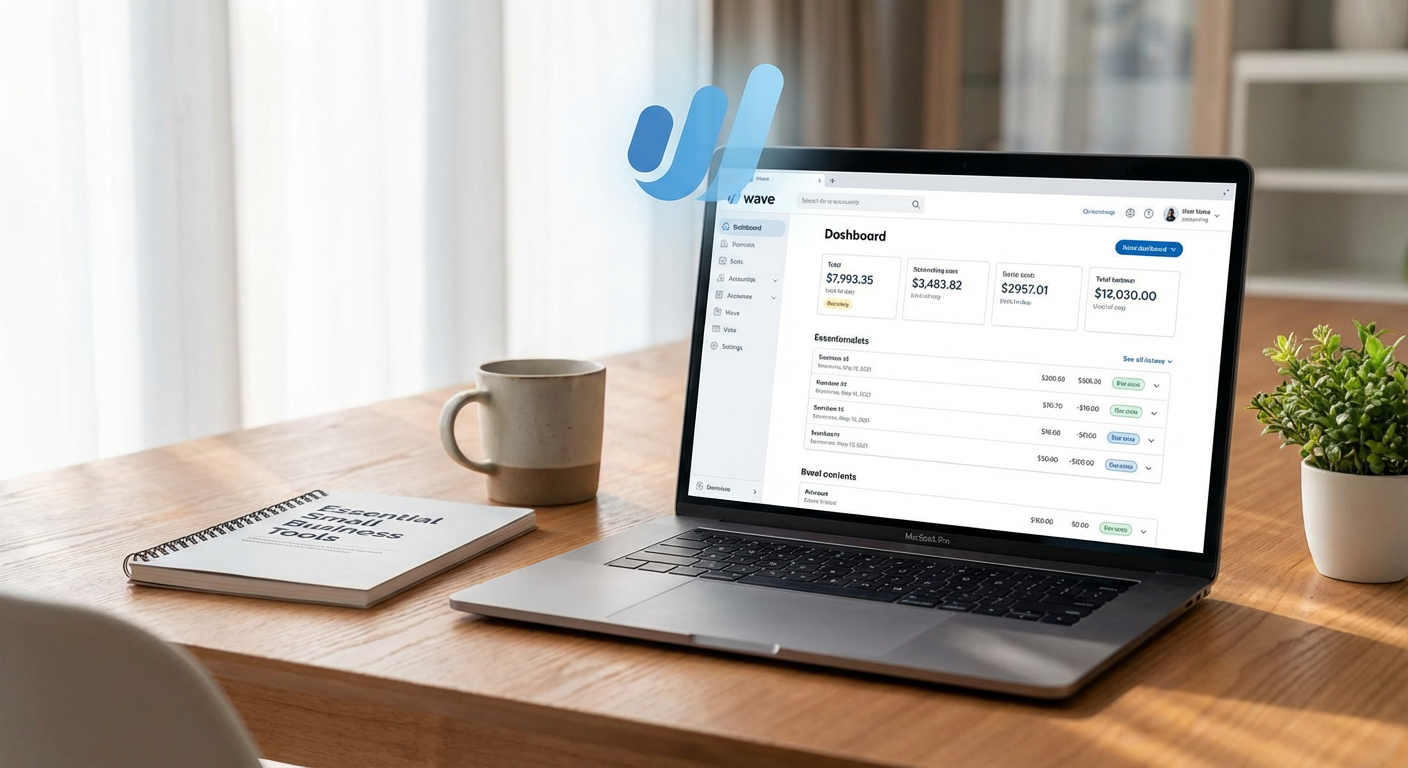
Keeping your finances organized is non-negotiable, but accounting software can get expensive fast. Wave offers completely free accounting, invoicing, and receipt scanning for small businesses. You only pay if you want to use their payroll or payment processing features, which makes it perfect for bootstrapped operations.
The interface is straightforward enough that you don’t need an accounting degree to use it. You can track income and expenses, generate financial reports, and send professional invoices to clients. For businesses that are just getting started or operating on tight margins, Wave removes a significant monthly expense while still providing the core features you need.
- Canva for Quick Visual Content Creation
Every business needs graphics for social media, presentations, flyers, and more, but not every business can afford a professional designer for every project. Canva provides thousands of templates and a drag-and-drop editor that makes it possible to create decent-looking visuals in minutes. The free version is surprisingly robust, though the paid plans add more templates and features.
You can design everything from Instagram posts to business cards without any design experience. The template library covers most common business needs, so you’re not starting from scratch. This tool works well for businesses that need to produce regular visual content but don’t have the budget for Adobe Creative Suite or a dedicated designer.
- Google Workspace for Email and Collaboration
Using a Gmail address with your personal name looks unprofessional once you’re running a real business. Google Workspace gives you professional email addresses using your domain name, plus access to Google Drive, Docs, Sheets, and Calendar. The pricing is reasonable, and most people already know how to use Google’s tools.
Collaboration is built into everything, which matters when you’re working with contractors, partners, or a small team. You can share documents, schedule meetings, and keep files organized in one place. The storage space is generous, and the reliability is solid, which means you’re not worrying about whether your email will work on an important day.
- Trello for Simple Project Management
Managing multiple projects and tasks can quickly become chaotic without a system. Trello uses a visual board approach with cards and lists that make it easy to see what needs to be done, what’s in progress, and what’s complete. The free version works well for small teams and solo owners who need basic project tracking.
You can create boards for different areas of your business, assign tasks, set due dates, and attach files. The simplicity is the main advantage here. Unlike more complex project management tools, Trello doesn’t require training or a learning curve. You can set it up in minutes and start organizing your work immediately.
- Mailchimp for Email Marketing on a Budget
Building an email list and staying in touch with customers is one of the most cost-effective marketing strategies available. Mailchimp offers a free tier that supports up to 500 contacts and 1,000 sends per month, which is enough for many small businesses just starting their email marketing efforts. The platform includes templates, automation options, and basic analytics.
You can create newsletters, promotional emails, and automated welcome sequences without technical knowledge. The drag-and-drop email builder makes it easy to match your brand, and the reporting shows you what’s working. As your list grows, you can upgrade to paid plans, but the free option gives you everything you need to get started and test whether email marketing works for your business.
- Calendly for Appointment Scheduling
The back-and-forth of scheduling meetings wastes more time than most people realize. Calendly eliminates that by letting people book time on your calendar based on your availability. You set your working hours and meeting types, share your link, and let clients or partners pick a time that works for both of you.
The free version supports one calendar connection and one type of meeting, which is sufficient for many small business owners. You can integrate it with Google Calendar or Outlook, and it automatically adjusts for time zones. This tool is particularly valuable if you do consultations, client calls, or any other appointment-based work. It makes you look more professional while saving you actual time.
- LastPass for Password Management
Small business owners access dozens of accounts, from banking and payment processors to social media and software tools. Reusing passwords is a security risk, but remembering unique passwords for everything is impossible. LastPass stores all your passwords securely and fills them in automatically when you need them.
The free version covers unlimited passwords on one device type, while the paid version syncs across all your devices. You can also securely share passwords with team members or contractors without actually revealing the password. This matters when you need someone to access your social media or other accounts temporarily. Better password security prevents the kind of account breaches that can devastate a small business.
- Zoom for Video Meetings and Webinars
Video calls have become standard for client meetings, team check-ins, and remote collaboration. Zoom’s free plan allows 40-minute meetings with up to 100 participants, which covers most small business needs. The video and audio quality are reliable, and the interface is simple enough that even less tech-savvy clients can join without issues.
You can share your screen during calls, which is helpful for presentations or walking someone through a process. The recording feature on paid plans lets you capture important meetings for later reference. While there are other video tools available, Zoom has become so common that most people already have it installed and know how to use it, which reduces friction when scheduling calls.
- Buffer for Social Media Scheduling
Staying active on social media requires consistent posting, but logging in multiple times a day to post manually is inefficient. Buffer lets you schedule posts across multiple platforms in advance. You can batch-create a week’s worth of content in one sitting and let Buffer publish it at optimal times.
The free plan supports three social accounts and ten scheduled posts, which works if you’re maintaining a light social presence. You can see basic analytics on how your posts perform, which helps you figure out what content resonates with your audience. This tool is particularly useful for businesses that rely on social media for visibility but don’t have the time or staff to manage it constantly throughout the day.
The right software tools can make a dramatic difference in how efficiently you run your small business, but you don’t need to spend thousands of dollars to get started. Many excellent options either offer free plans or cost very little compared to the time and headaches they save. Start with the tools that address your biggest pain points, whether that’s managing finances, staying organized, or communicating with clients. As your business grows, you can always upgrade or add more specialized software. The key is building a foundation that lets you focus on what actually matters: serving your customers and growing your business.