10 Fast Management Tools Every Freelancer Needs to Save Hours Each Week
10 Fast Management Tools Every Freelancer Needs to Save Hours Each Week
Running a freelancing business means wearing a dozen hats at once. You’re the salesperson, the accountant, the project manager, and the person actually doing the work. Without the right management tools, you’ll spend more time on admin tasks than on billable hours. This list focuses on tools that save you serious time, helping you automate repetitive tasks, streamline communication, and get back to what you do best. Each tool here is chosen because it delivers quick results and keeps your business running smoothly without endless setup or learning curves.
- Legiit
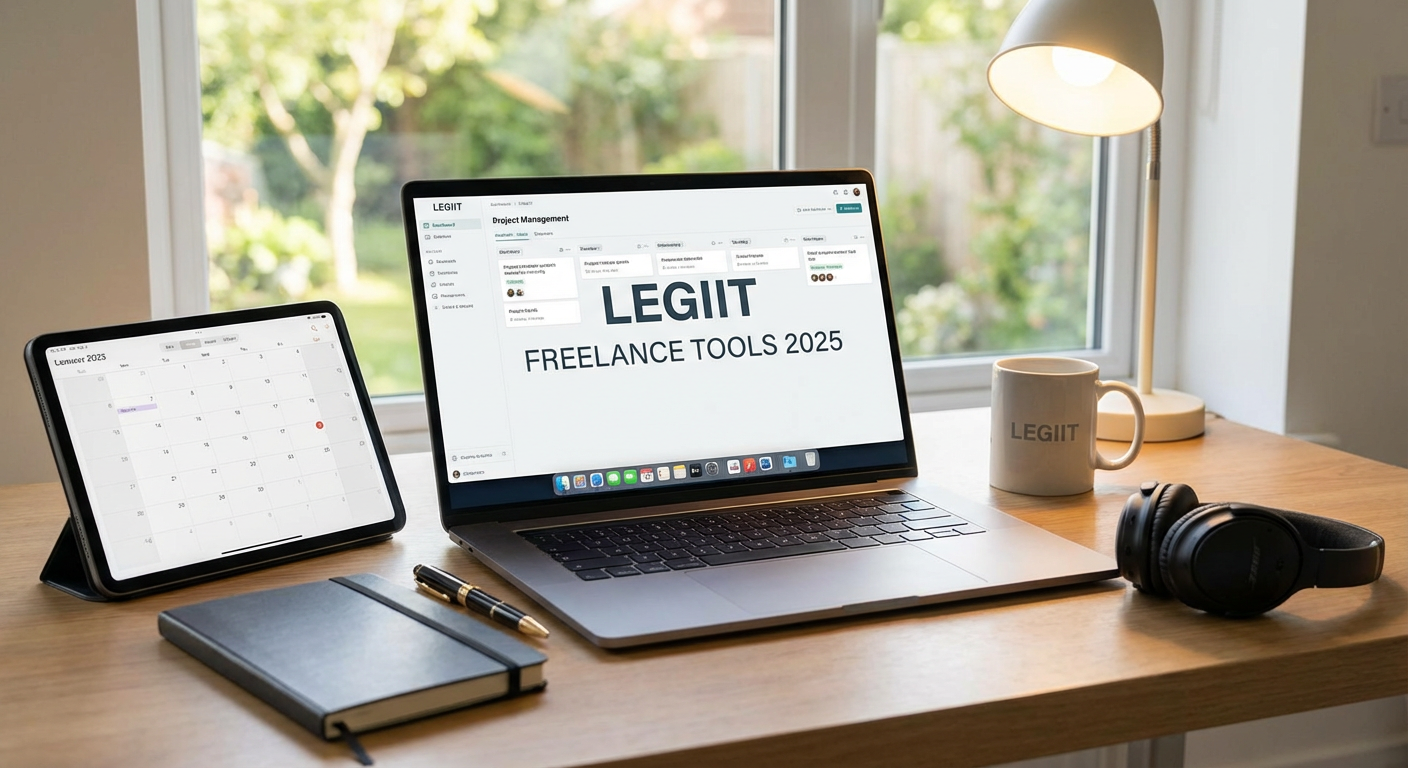
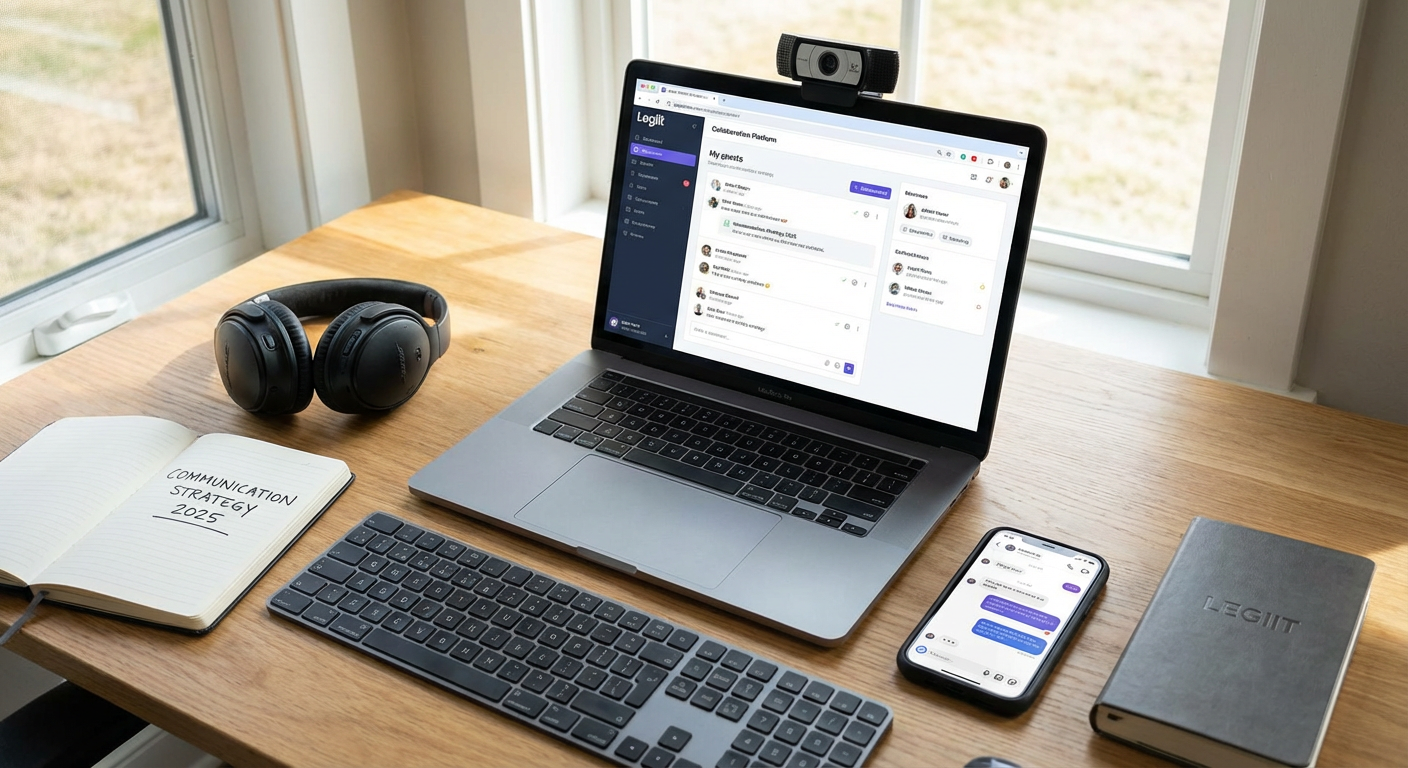
When you need help fast without the hassle of vetting dozens of candidates, Legiit connects you with skilled freelancers who can handle specific tasks quickly. Instead of spending hours searching for someone to help with your logo design, content writing, or social media management, you can browse verified professionals and get started within minutes.
The platform is built for speed, with clear pricing and fast turnaround times that keep your projects moving. Many freelancers offer packages designed for quick delivery, which means you can delegate tasks today and see results tomorrow. This is especially valuable when you’re juggling multiple client projects and need reliable support without the overhead of hiring full-time help.
By outsourcing non-core tasks through Legiit, you free up hours each week to focus on high-value client work and business development. The time you save on recruitment, onboarding, and management can translate directly into more billable hours and better work-life balance.
- Notion
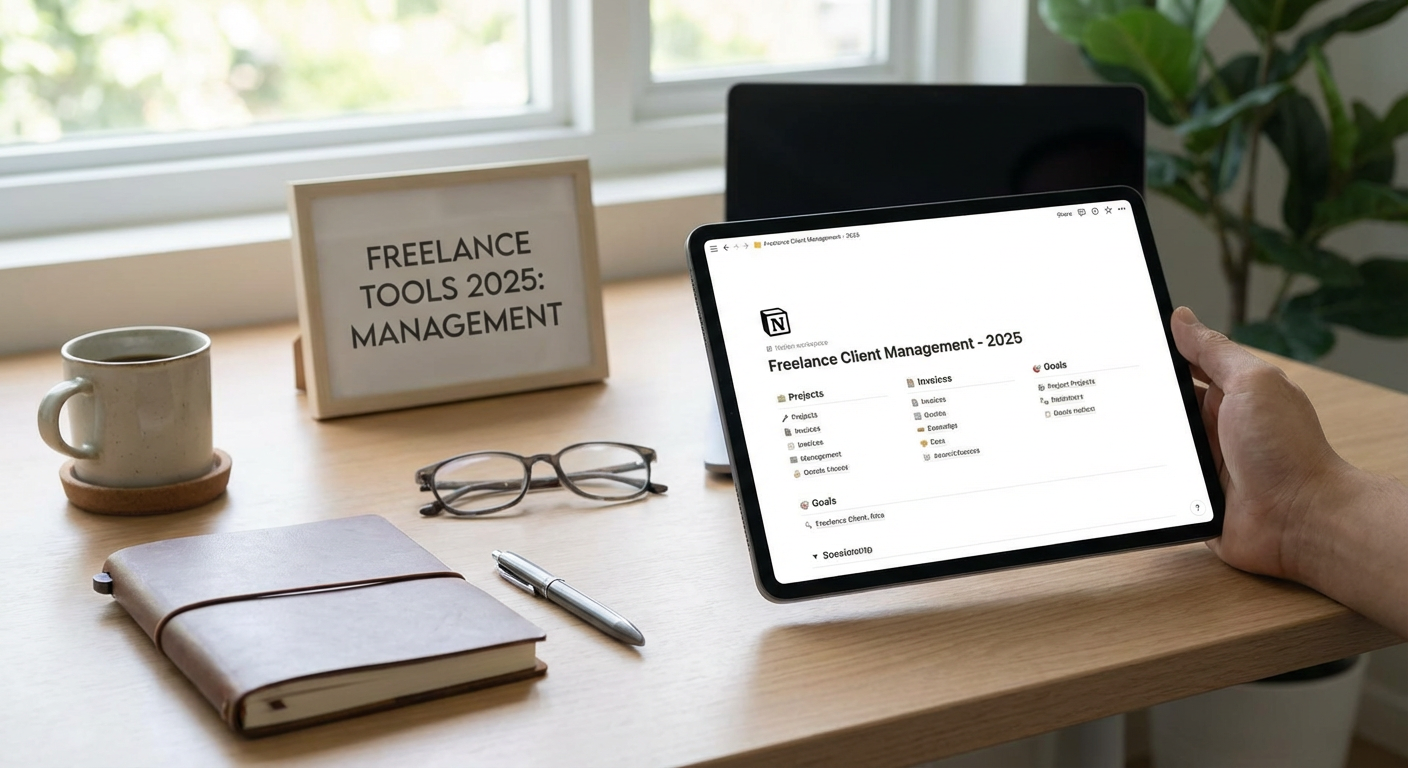
Notion replaces multiple apps with one flexible workspace where you can manage projects, track clients, store notes, and organize your entire business. Instead of switching between a task manager, a notes app, and a database, you handle everything in one place. This consolidation alone saves countless minutes every day that would otherwise be lost to context switching.
The tool’s templates get you started in seconds. You can grab a client tracker template, a project management board, or a content calendar and customize it to fit your needs without building from scratch. Many freelancers report cutting their planning time in half after moving their workflows into Notion.
Because everything is searchable and interconnected, finding information becomes instant. No more digging through email threads or scattered documents to locate a client’s requirements or project deadline.
- Calendly
The back-and-forth of scheduling meetings can eat up 20 minutes per appointment when done over email. Calendly eliminates this completely by letting clients book time directly on your calendar based on your actual availability. You set your available hours once, share your link, and let clients pick a time that works for them.
The tool syncs with your existing calendar to prevent double-bookings and automatically adjusts for time zones, which is a lifesaver when working with international clients. Automated reminders reduce no-shows, saving you the frustration of wasted prep time.
For freelancers who take discovery calls or client check-ins regularly, Calendly can save several hours per week. That’s time you can spend on actual project work instead of playing email tag.
- QuickBooks Self-Employed
Tax time becomes painless when your income and expenses are tracked automatically throughout the year. QuickBooks Self-Employed connects to your bank accounts and credit cards, categorizing transactions as they happen. This means no more Saturday afternoons sorting through months of receipts.
The mileage tracking feature uses your phone’s GPS to log business trips automatically, which is perfect if you meet clients in person or work from coffee shops. At tax time, you can export everything your accountant needs in minutes instead of scrambling to reconstruct your financial year.
Invoicing is built in too, so you can send professional invoices and track payments without jumping to another app. The time saved on bookkeeping alone can be worth several billable hours per month.
- Trello
Visual project management helps you see what needs doing at a glance, which is why Trello’s board system works so well for freelancers juggling multiple clients. You can create a board for each client or project, with columns representing different stages like To Do, In Progress, and Complete. Moving cards across the board takes seconds and gives you instant clarity on where everything stands.
The tool’s automation features, called Butler, can handle repetitive actions like moving cards, setting due dates, or sending reminders based on triggers you define. For instance, when you move a card to Done, Butler can automatically notify your client and archive the card. These small automations add up to significant time savings.
Trello’s mobile app means you can update projects while waiting for coffee or commuting, keeping everything current without needing to sit at your desk. This flexibility helps you stay organized without dedicating specific blocks of time to project updates.
- Loom
Recording a quick video often takes less time than typing a detailed email, especially when you need to explain something visual or walk through feedback. Loom lets you record your screen, your face, or both, and instantly generates a shareable link. No uploading, no file size issues, no waiting.
This tool shines for client communication and project updates. Instead of writing three paragraphs explaining design revisions, you can show them in a two-minute video that covers more ground and reduces confusion. Clients appreciate the personal touch, and you save time on clarification emails later.
Loom also works well for creating reusable content like onboarding videos for new clients or tutorials for common questions. Record once, share many times, and reclaim hours you’d otherwise spend repeating the same information.
- Zapier
Automation is the ultimate time-saver, and Zapier connects your different tools so they work together without manual input. You can create automated workflows called Zaps that trigger actions across apps. For example, when a new client fills out your intake form, Zapier can automatically create a project folder, add them to your CRM, and send a welcome email.
The real power comes from eliminating repetitive tasks you do multiple times per week. Saving email attachments to cloud storage, logging expenses, posting social media updates across platforms, all of these can run on autopilot. Even simple Zaps can save 30 minutes per week, and most freelancers run several.
The learning curve is minimal because Zapier offers thousands of pre-built templates. You can start with a template, adjust it for your workflow, and have your automation running in under five minutes.
- Grammarly
Proofreading takes time, and mistakes cost credibility. Grammarly catches errors as you type across all your apps, from email to project management tools to document editors. This real-time checking means you spend less time reviewing and more time moving forward with confidence.
Beyond basic spelling and grammar, the tool suggests clarity improvements and tone adjustments. This is particularly helpful when writing client proposals or important emails under time pressure. You get a professional polish without the extra editing pass.
For freelancers who write a lot, whether that’s client communication, blog posts, or reports, Grammarly can save 15-20 minutes per day. Those minutes compound into hours each month that you can reinvest in growing your business.
- Toggl Track
You can’t manage what you don’t measure, and time tracking reveals exactly where your hours go. Toggl Track runs in the background with a single click to start and stop timers. At the end of the week, you get detailed reports showing how much time you spent on each client and project.
This data becomes powerful for pricing decisions and productivity improvements. You might discover that certain types of projects take twice as long as you thought, or that you’re spending too much time on low-value tasks. Armed with this information, you can adjust your rates, delegate more effectively, or drop unprofitable services.
Toggl’s browser extension and mobile app mean you can track time from anywhere without disrupting your workflow. The tool becomes nearly invisible once you build the habit, but the insights it provides can dramatically improve how you allocate your most valuable resource.
- LastPass
Hunting for passwords wastes more time than most people realize. LastPass stores all your login credentials securely and autofills them when needed, shaving seconds off every login that compound into significant time savings. More importantly, it eliminates the mental overhead of remembering dozens of passwords.
The tool generates strong, random passwords for new accounts, which means you can create logins quickly without the usual pause to think up something memorable. This speeds up account creation and improves your security at the same time.
For freelancers who manage multiple client accounts or work across many platforms, LastPass can save 10-15 minutes per day. That’s over an hour per week that you’re no longer spending on password resets and login frustrations. The mental clarity of not juggling passwords is an added bonus that improves focus throughout your workday.
The difference between a struggling freelancer and a thriving one often comes down to how well they manage their time. These tools won’t just make your business run more smoothly. They’ll give you back hours each week that you can spend on billable work, professional development, or simply enjoying life outside of work. Start with one or two tools that address your biggest time drains, get comfortable with them, and then add more as needed. The goal isn’t to use every tool out there, but to build a streamlined system that works for your specific business. Your time is your most valuable asset, so invest it wisely and let these tools handle the rest.
…